




Reliable Wireless Security Camera Solutions Without Internet
In today’s world, keeping your property safe is a top priority—whether it’s a home, small business, or remote location. But not every property has reliable internet, and that shouldn’t compromise your surveillance system. From rural cabins and farms to construction sites or areas with spotty Wi-Fi, there’s a growing need for wireless security cameras that work without internet.
At WEILAILIFE, we focus on making surveillance simple, reliable, and effective—no matter the network conditions. This guide explains how offline wireless cameras work, which features remain available without internet, and how to choose the right system for your property.
Can Wireless Security Cameras Work Without Internet?
Yes, they can—but it depends on the camera’s design and storage method. Most wireless cameras fall into two categories:
- Cloud-based cameras – rely entirely on internet connections to store footage. If your network goes down, recording may stop.
- Local storage cameras – save footage directly on the camera or to a Network Video Recorder (NVR system), allowing uninterrupted recording even without internet.
For offline operation, local storage is the key. Cameras with microSD cards or connected to an NVR continue recording during internet outages, ensuring your security system remains reliable at all times.
How Wireless Security Cameras Record Offline
1. Local Storage Inside the Camera
Many wireless security cameras come with local storage options, such as microSD cards, allowing them to record and store footage independently. Even without internet, these cameras can:
- Detect motion and trigger alerts locally
- Record high-definition video
- Store footage directly on the device
- Allow playback later through the local network
WEILAILIFE cameras support microSD storage up to 256GB, enabling continuous HD recording. Motion detection, night vision, and event-triggered recording all remain functional without internet. Once the network is available again, footage can be viewed locally or backed up to a computer.
Best For:
- Indoor monitoring of homes or apartments
- Single-camera office or room setups
- Simple offline surveillance without extra equipment
2. Local Recording via NVR
For larger properties or multiple-camera setups, an NVR system is the most reliable offline option.
Here’s how it works:
- Cameras connect to the NVR through a local network (wired or wireless)
- Video is saved directly on hard drives in the NVR, ensuring uninterrupted recording
- Recording continues even if internet is lost
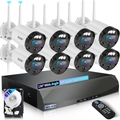
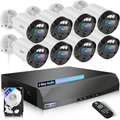
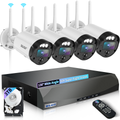
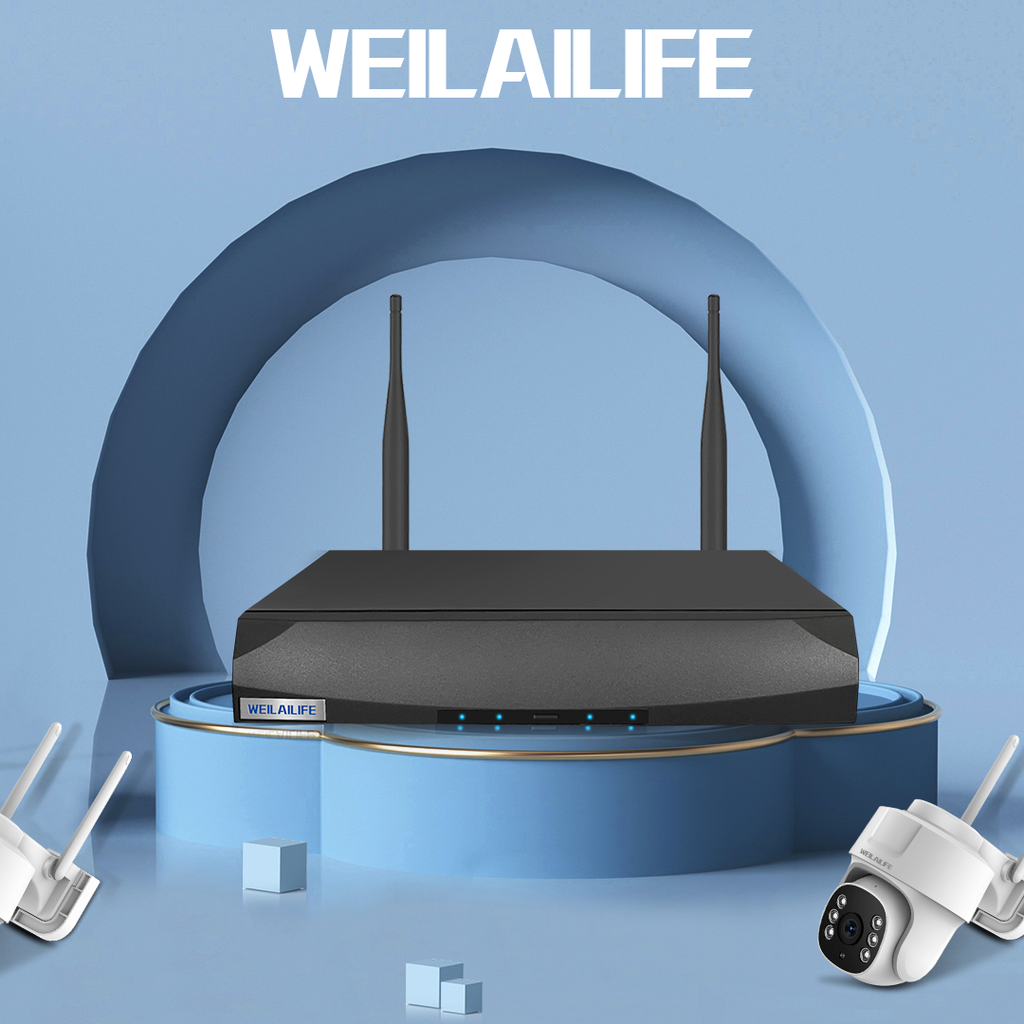
WEILAILIFE NVRs support multiple wireless cameras, automatic device detection, and high-capacity storage for extended recording periods. They’re ideal for:
- Whole-home surveillance
- Small businesses with multiple monitoring zones
- Centralized storage and camera management
Setup Tips:
- Place the NVR in a secure, ventilated, accessible location
- Use hard drives with enough capacity for the recording period you need
- Test all cameras and recording functions before final installation
- Use motion-triggered recording to save storage and capture only important events
Practical Tips for Offline Security
Home & Indoor Monitoring
Indoor wireless security cameras with local storage are simple and cost-effective. They continue recording even during internet downtime.
Tips for Better Performance:
- Use high-capacity microSD cards (64GB or larger)
- Enable loop recording to avoid storage overflow
- Position cameras at entry points, hallways, and other critical areas
- Adjust motion sensitivity and night vision for optimal results
- Whole-Home & Small Business Surveillance
For multi-camera setups, an NVR system ensures continuous recording and centralized management.
Tips for Optimization:
- Keep the NVR in a secure, climate-controlled environment
- Choose hard drives that can store footage for the retention period you need
- Test all connections and settings before permanent installation
- Set up motion-triggered recording zones to reduce unnecessary footage
Best Practices for Offline Wireless Security
Regardless of your setup, follow these steps to maximize reliability:
- Ensure a stable power source (wired, battery, or solar)
- Review footage regularly and back up important recordings
- Test offline recording and playback before relying on the system
- Secure cameras and storage devices physically
- Keep firmware updated to maintain security and performance
- Label cameras and storage for easier maintenance
Conclusion
Offline wireless security cameras provide reliable monitoring without internet, making them ideal for homes, small businesses, and remote properties. Whether using cameras with local storage or an NVR system, you can maintain professional-grade surveillance anywhere.
WEILAILIFE products are designed for continuous operation, easy setup, and long-term reliability. Offline security doesn’t mean compromising safety—it guarantees privacy, peace of mind, and protection wherever you need it.
With the right offline camera system, your security is always active, watching over your property without depending on internet access.