


Five Years of Security Cameras: What I Learned the Hard Way (And Why I Finally Upgraded in 2026)
For the past five years, I ran a cheap little indoor security camera near my front door. It cost me around forty bucks back then, and honestly, it wasn't anything special. Just a basic pan-tilt Wi-Fi camera with a memory card slot, a mobile app, and a speaker that let me talk through it.
At the time, I didn't have high expectations. I just wanted to see when my daughter got home from school. My wife and I both work late, and she's a latchkey kid—she lets herself in around 3:30 PM. That little camera gave me peace of mind. I could check the playback when I got home to make sure she made it inside safely, locked the door behind her, and didn't leave her backpack on the porch again.
For five years, that camera never broke. Never glitched. Never needed a reboot. Thirty-two gigs of local storage gave me about three weeks of looped footage, which was plenty for our daily routine.
But looking back now, I realize I put up with a lot of annoyances that I didn't even recognize as problems at the time. And if you're still running a similar setup, you might be in the same boat without knowing it.
Problem #1: Wi-Fi cameras are great—until they're not
My router sits in the living room, and the camera was mounted near the front entrance. There's a load-bearing wall in between, which apparently kills Wi-Fi more than I realized. Most days it worked fine, but every evening when everyone in the house was streaming Netflix, scrolling Instagram, and gaming on their phones, the camera would start stuttering. Live view would lag by five or six seconds. Playback would spin forever.
One time our internet went down for an afternoon, and that camera turned into a useless brick. No live view, no recording, nothing. I had a memory card in it, but the app couldn't pull the footage without an active internet connection. So basically, for that whole afternoon, our front door had zero coverage.
That was my first wake-up call. A home security camera system shouldn't stop working just because your ISP has an outage. If someone had broken in during those hours, I would've had nothing to show for it.
Problem #2: Night vision that couldn't see past the welcome mat
The specs claimed "10-meter night vision." In reality, I was lucky to recognize a face within three feet. Our porch is about ten feet deep, and when my daughter came home after dark, the playback showed a blurry silhouette that could've been anyone. I couldn't even tell what color her jacket was.
I ended up leaving the porch light on 24/7 just to get a semi-decent image, which kind of defeated the purpose of having a "discreet" security camera. Plus, the glare from the light reflecting off the window glass made things even worse when the camera was pointed outside.
Problem #3: The cloud storage trap
When I first bought the camera, it came with a free one-month trial of cloud storage. And I'll admit—it was convenient. I could scrub through footage on my phone instantly, jump to specific timestamps, and download clips without pulling the memory card out.
Then the trial ended. They wanted $10 a month to keep the same features. That's $120 a year—almost three times what I paid for the camera itself. I canceled immediately and stuck with local storage, but the experience was night and day. Scrubbing through footage on the memory card was slow and clunky. It took forever to load specific time points, and the app crashed more than once while I was trying to find a specific moment.
That's when I realized the business model: sell the hardware cheap, lock you into a subscription, and make money on the back end. It's like buying a printer that costs $50 but the ink cartridges are $40 each.
What finally pushed me to upgrade
Earlier this year, we had a string of package thefts in our neighborhood. You know the drill—porch pirates following delivery trucks, grabbing Amazon boxes right after they're dropped off. Nobody in our cul-de-sac got hit, but it got me thinking: if someone did walk up to my door and steal a package, would my old camera actually catch a usable image?
The answer was pretty clear: no. It was mounted inside, looking through a glass door, with glare, compression artifacts, and barely-usable night vision. I'd get a blob of a person at best. Good luck identifying that to the police.
So I started shopping with three strict requirements this time around:
First, wired connection. No Wi-Fi. I wanted reliability over convenience. I didn't want to deal with lag, interference, or internet outages ever again.
Second, absolutely no monthly fees. Buy it once, own it forever.
Third, picture quality good enough to actually identify someone. Not just "see a shape," but read a face and a license plate if needed.
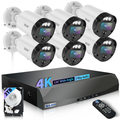
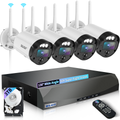
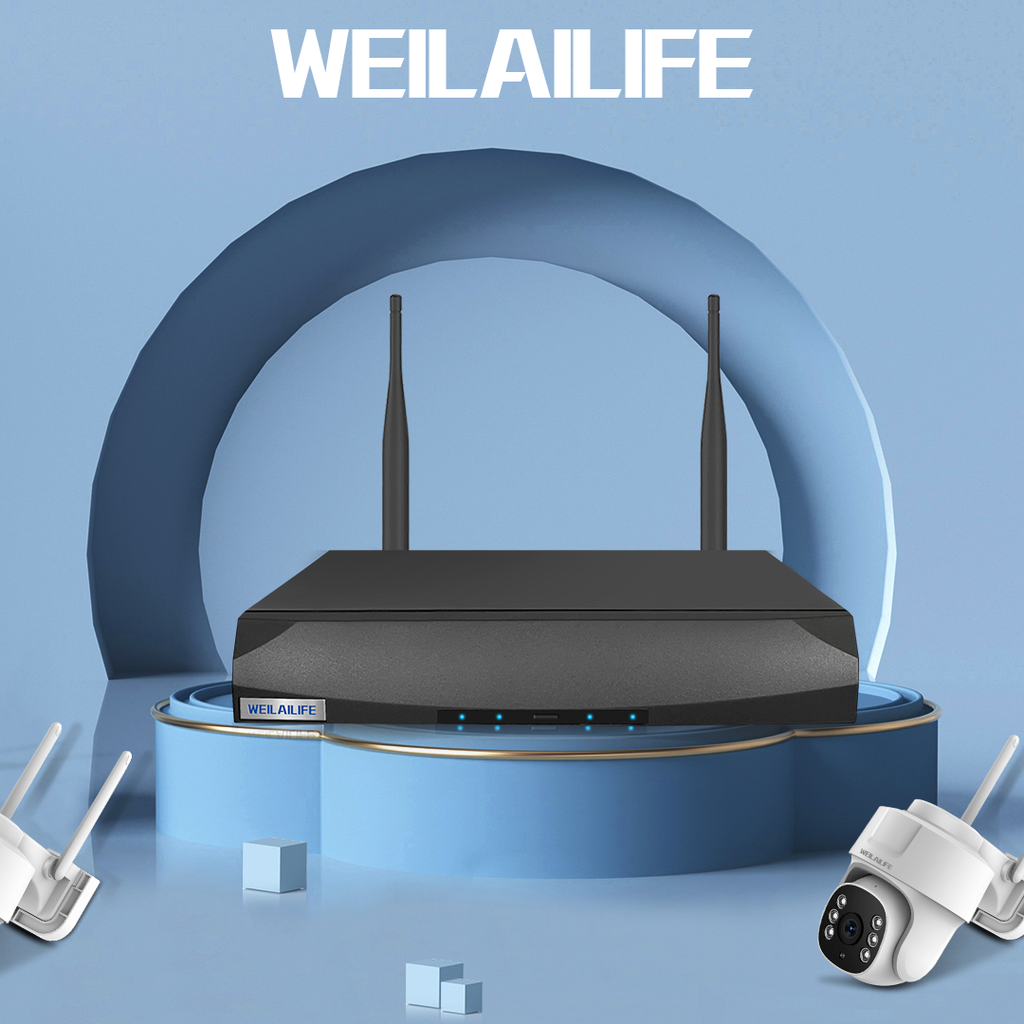
That search led me to the WEILAILIFE PoE wired security camera system. And I have to say—the jump from wireless indoor to wired outdoor is like going from a flip phone to an iPhone. It's not even the same category of product.
What PoE actually means (and why I'll never go back)
Before this, I thought "wired security camera" meant two cables: one for power, one for data. Ugly, complicated, and a pain to install. But PoE (Power over Ethernet) simplifies everything—one single Ethernet cable carries both power and video signal. That's it.
The WEILAILIFE system comes with a 60-foot Ethernet cable for each camera. That's plenty of length to run from my living room, through a small hole I drilled in the wall, along the exterior siding, and under the eaves. I coiled up the extra cable and zip-tied it out of sight. It looks clean and professional.
The NVR (Network Video Recorder) connects to my TV via HDMI, and the live feed pops up instantly. No buffering, no "connecting..." spinner, no delays. Scrubbing through playback is just as fast—I can slide the timeline back and forth and the video jumps to exactly where I want it. That kind of responsiveness is something Wi-Fi cameras just can't deliver.
The 4K difference is night and day
I used to think "good picture quality" meant "not pixelated." Then I saw the WEILAILIFE 4K 8-megapixel feed, and I realized I had been settling for garbage.
I tested it on a pitch-black night with only the neighbor's porch light providing a tiny bit of ambient glow. The night vision image was so clear I could read the pattern on our doormat. During the day, I can see the texture of someone's jacket, the color of their shoes, even the logo on their hat.
A few weeks ago, a FedEx driver left a package on the porch. I zoomed in on the playback and could read the tracking number printed on the label. Try doing that with a 1080p Wi-Fi camera.
Two-way audio that actually works (no more yelling)
My old camera had a talk feature, but it was basically useless. You pressed a button, waited two seconds for the audio to transmit, said something, waited two more seconds for the response. It felt like communicating via walkie-talkie.
The WEILAILIFE system has built-in noise reduction and a much better microphone and speaker. The audio is crisp, and latency is minimal. Now when I see my daughter get home, I can just say "Hey, there's pizza in the fridge" through the app, and she hears it right away, clear as a phone call.
If an unfamiliar person lingers near the door, I can ask "Can I help you?" without opening the door. That's a nice layer of safety I didn't have before.
IP66 weatherproofing: built for American weather
We get the full four seasons here—sweltering summers, freezing winters, and everything in between. Our winters can dip to -10°F on the worst days, and summers hit 100°F with humidity that feels like walking through soup.
The WEILAILIFE cameras are rated IP66 for weather resistance, meaning they're sealed against dust and powerful water jets. They're rated to operate from -4°F to 113°F. I installed mine last winter and watched it get caked in ice after a storm. The feed never dropped. No fogging on the lens, no condensation inside the housing, no issues whatsoever. It just kept running.
AI detection: no more moth alerts
One of my biggest frustrations with the old camera was motion alerts. It fired off a notification every time a moth flew past, a leaf blew across the porch, or a cloud shifted and changed the light level. I'd get 40 notifications a day, and I eventually turned them all off. Which meant I also missed the real alerts.
The WEILAILIFE smart detection distinguishes between people, vehicles, and other moving objects. Now I only get a push notification when an actual person walks into my designated detection zone. The alerts are fast—my phone buzzes within a second or two of someone stepping onto the property. I also have email alerts enabled as a backup, so I have a timestamped record I can easily search through later.
Why "no subscription" actually matters
Let's do the math. If you buy a cloud-based system that charges $10 per month, you're paying $120 per year. Over five years, that's $600. That's more than the cost of the hardware itself, and you have nothing to show for it at the end except a bunch of receipts.
The WEILAILIFE system stores everything locally on the NVR's hard drive. You access footage through the app directly from the recorder—no cloud servers involved. There's no monthly bill, no recurring payments, and no concern about your video footage sitting on some company's server where it could be hacked or mined for data.
If you're looking for a home security camera system no subscription option, this is exactly what I'd recommend. You pay once and you're done. That's how technology should work.
What about the budget? Can you get a good system under $100 per camera?
A lot of people ask me: "Can I find a decent security camera system under 100 dollars per camera?"
The honest answer is yes—if you're willing to compromise. You can get a single Wi-Fi indoor camera with 1080p resolution for under a hundred bucks. But if you want outdoor, 4K, wired PoE, weatherproof, and NVR recording, that's a different conversation.
The WEILAILIFE system, when you break down the cost per camera, sits right around that $100 mark. Considering it comes with a 60-foot Ethernet cable in the box, doesn't require any additional purchases, and has zero ongoing fees, I'd say it punches way above its weight class.
You're not paying for a brand name or a marketing campaign. You're paying for hardware that actually does what it's supposed to do, without the recurring subscription tax.
My honest take
That old camera served me well for five years. It never broke, never crashed, and it gave me basic visibility into my front door. But "good enough" is a dangerous standard when it comes to security.
If something happens—a break-in, a stolen package, a suspicious person lurking around—you don't want to find out that your footage is too blurry to identify anyone, or that your camera was offline because the Wi-Fi dropped for 20 minutes.
Investing a bit more upfront in a wired, local-storage, high-resolution system solves all those problems in one go. The WEILAILIFE PoE 4K system is the most hands-off, reliable security setup I've ever owned. I spent one afternoon running cables, mounting cameras, and setting up the NVR. Since then, I haven't touched it. It just works, day in and day out, through rain, snow, heat, and cold.
That's what I wanted all along—a home security camera system that I can install, forget about, and trust to have my back. No subscriptions, no lag, no blurry footage. Just peace of mind.
If you're still running an old Wi-Fi camera and you've been putting off an upgrade, I'd say stop waiting. You don't realize how much you're missing until you see the difference. And once you do, you won't go back.