


Home Security Cameras and Your Wi-Fi: What You Need to Know Before You Buy
Wireless security cameras have made home surveillance more accessible than ever — you don't need to run cable through walls, hire an electrician, or understand network infrastructure to get cameras up and running. But that accessibility comes with dependencies that most buyers don't fully think through before purchase, and those dependencies can bite you in ways that range from annoying to genuinely problematic for a security product.
Every Wi-Fi Camera Adds Load to Your Network
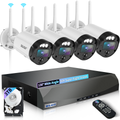
A single HD security camera streaming continuously to a local NVR or to the cloud is sending somewhere between 1 and 5 Mbps of data depending on resolution and compression settings. Multiply that across four cameras and you're looking at 4 to 20 Mbps of sustained upstream bandwidth — continuously, 24 hours a day. On a typical home internet plan, that's manageable. On a slower DSL connection or a heavily loaded network shared among multiple streaming devices, it can create real performance issues.
Before adding cameras to your home network, check your router's simultaneous device capacity and your internet plan's upload speed. Most modern routers handle 20+ connected devices without issue, but older routers from five or more years ago may struggle with the added load of multiple streaming cameras.
Placement and Signal Strength
Wi-Fi signal strength is the most common source of wireless camera problems, and it's one that's easy to underestimate during the shopping phase and painfully obvious after installation. A camera mounted on the far corner of your house, fifty feet from your router through three walls, may show "connected" in the app while delivering unreliable performance — dropping connection, buffering, or missing motion events during signal dips.
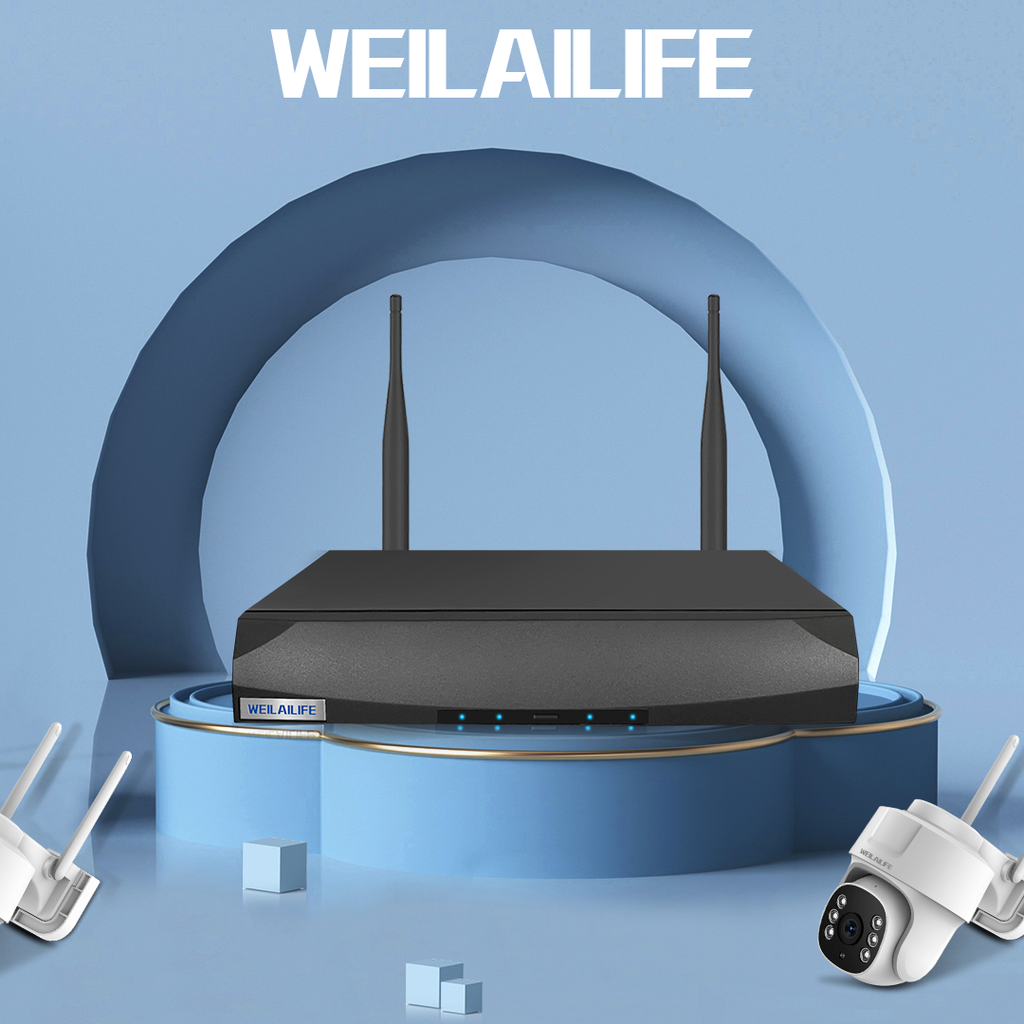
Test the Wi-Fi signal strength at your planned camera location before mounting. Your phone's Wi-Fi signal indicator at that location is a rough proxy — if your phone shows poor signal there, your camera will have the same problem. WEILAILIFE recommends a minimum of -67 dBm signal strength (equivalent to two to three solid Wi-Fi bars) for reliable camera performance.
For cameras in locations with weak coverage, a Wi-Fi range extender or a mesh network node can bridge the gap. Mesh network systems — Google Nest, Eero, and similar — are particularly useful for security camera coverage because they extend coverage without the handoff issues that single-extender setups can create when a camera moves between networks.
2.4 GHz vs. 5 GHz: Which Band for Security Cameras
Most modern routers broadcast on both 2.4 GHz and 5 GHz frequencies. For security cameras, 2.4 GHz is almost always the better choice — not because it's faster (5 GHz is), but because it has significantly better range and wall penetration. 5 GHz provides higher bandwidth over short distances; 2.4 GHz provides reliable connectivity over longer distances and through multiple walls. For cameras mounted around the exterior of a house, range and penetration matter more than raw speed.
WEILAILIFE outdoor cameras connect on 2.4 GHz by default for exactly this reason, which is the correct engineering decision for typical outdoor camera installation scenarios.
What Happens When Your Internet Goes Down
This is the question that most Wi-Fi camera users don't ask until it matters: if your internet connection goes out, does your camera still record? For cameras that rely entirely on cloud storage, the answer is often no — without internet, there's nowhere for the footage to go. For WEILAILIFE cameras with onboard SD card storage or local NVR integration, recording continues to local storage even when the internet connection is unavailable. Alerts via phone won't fire without a connection, but the footage itself is preserved.
For a security product specifically, the ability to record through an internet outage is a meaningful operational distinction — not just a nice-to-have feature.