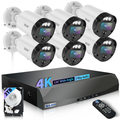
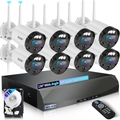
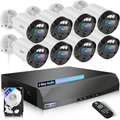
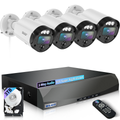
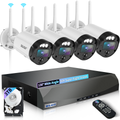
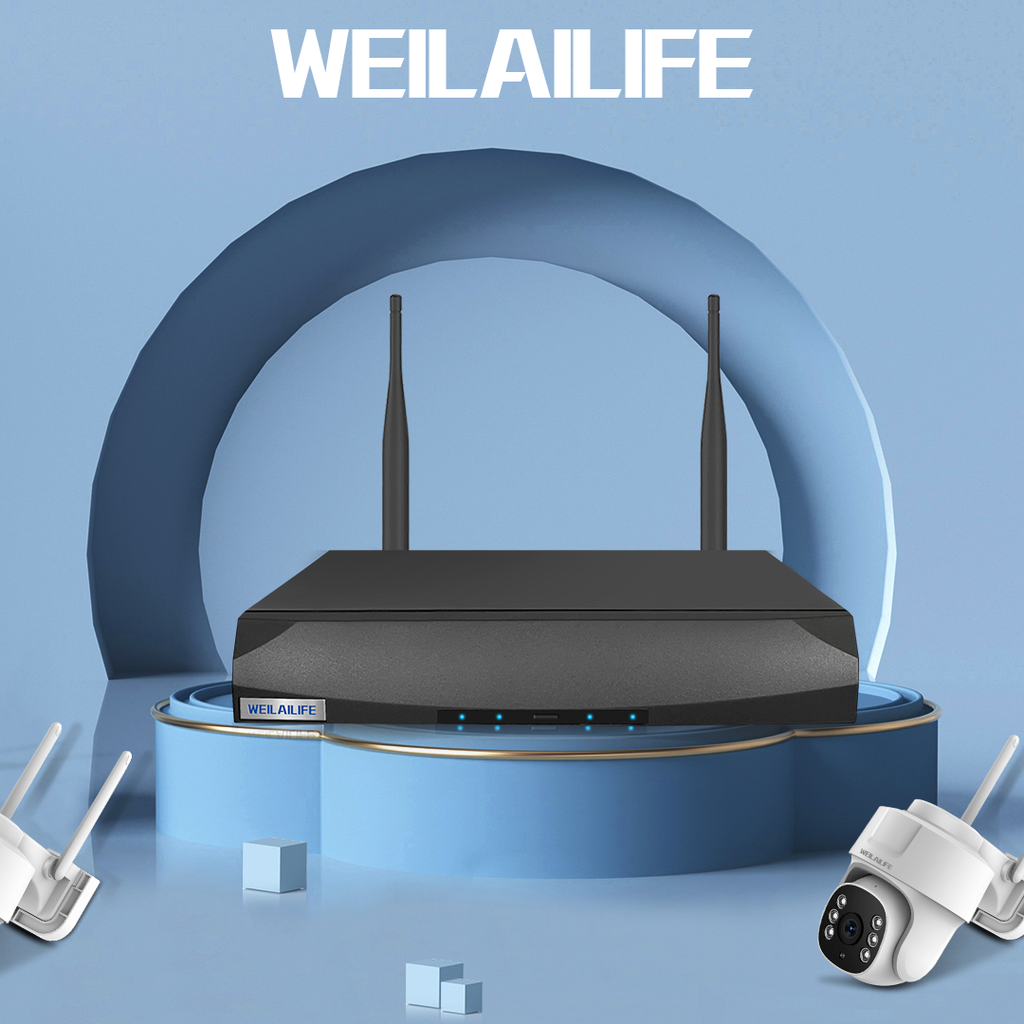
Let's be honest—nobody enjoys digging through a tangled mess of cables at 10 PM trying to figure out why their security camera went offline. Whether you're a first-time homeowner finally ditching that old doorbell camera or a small business owner covering your parking lot, the reality is that most installation headaches aren't due to bad equipment. They're about the little details nobody thinks to mention.
With WEILAILIFE, you're getting gear built to handle everything from Arizona summers to Minnesota winters without skipping a beat. But even the best outdoor security cameras need proper setup to perform. This guide cuts through the tech speak and gives you practical advice that actually works.
1. What to Look for in a Security Camera
Understanding specs doesn't require an engineering degree, but knowing a few key numbers will save you a lot of frustration.
Resolution that matters. A 2MP camera gives you 1080p, 4MP gets you 2K, and 8MP delivers true 4K clarity. Higher resolution means you can actually identify faces and license plates, not just guess. WEILAILIFE's 4K PoE systems capture sharp enough footage to hand over to police or insurance without that "well, it's kinda blurry" feeling.
Night vision is non-negotiable. Most break-ins happen after dark. You want cameras that can see clearly in low light. Look for models with good IR distance—and keep in mind that actual performance is usually about 70% of the rated spec due to obstacles and ambient lighting. WEILAILIFE cameras push up to 90 feet of night vision with hidden infrared LEDs that don't announce themselves.
Wired vs. wireless. Here's the thing: wireless cameras are convenient until a thunderstorm rolls through and your Wi-Fi decides to take a nap. More Americans are switching back to wired PoE (Power over Ethernet) systems because one cable handles both power and video, and you don't wake up at 3 AM to "camera offline" alerts. If you want reliable 24/7 coverage without battery anxiety, wired is the way to go.
2. Picking the Right Camera for the Job
Not every camera belongs in every spot. Here's what works where:
Outdoor: Look for IP66 weather resistance or higher. If you live near the coast, consider anti-corrosion models. WEILAILIFE outdoor cameras handle everything from scorching heat to heavy snow without complaints.
Indoor: IP30 is usually fine. Domes work well on ceilings, bullets are better for walls and hallways.
Garages and basements: Choose cameras with good WDR (Wide Dynamic Range) to handle tricky lighting. Nothing worse than a camera that blinds itself every time a car pulls in.
High-value areas: For monitoring driveways or entry points where you need clear face or plate recognition, aim for 4MP or higher with a 4-6mm focal length.
3. Planning Your Setup
Before you start drilling holes, take a walk around your property. Fairfax County police actually recommend doing a full 360 and thinking like a burglar. Where would you enter? What's hidden from street view?
Mount cameras 8-10 feet up. High enough to prevent tampering, low enough to capture faces clearly. Angle them about 15 degrees downward for the sweet spot.
Cover the obvious spots: Front door, back door, garage, and any first-floor windows that aren't visible from the street. These are where intruders actually try to get in.
Don't mount cameras behind glass. Reflections will ruin your footage, especially at night. If you want to monitor through a window, you're better off with a dedicated indoor camera pointing the other way.
Mind your neighbors. In most states, you can't record areas where people have a "reasonable expectation of privacy" like bathrooms, bedrooms, or directly into someone else's yard. Some states even require consent for audio recording. When in doubt, check local laws and have a conversation with your neighbors.
Cable routing matters. Keep camera cables at least 30cm away from high-voltage lines to prevent interference. If cables run outside, seal connections with silicone and electrical tape to keep moisture out. For long runs (over 100 meters), you'll need extenders or fiber.
4. Getting Everything Configured
Once the hardware is mounted, the real magic happens in the software.
Power check: DC12V cameras should read between 11.5 and 12.5V. If your voltage drops below that, you'll get weird glitches.
IP and network setup: Make sure cameras and NVR are on the same network segment. DHCP usually handles this automatically, but double-check if you're having connection issues.
The app experience: WEILAILIFE's HonestView app lets you check live streams, playback footage, and manage multiple cameras from your phone. Users rate it highly for being intuitive, with customizable detection zones so you're only alerted when someone actually crosses your driveway, not when a squirrel runs by.
Two-way audio: If your cameras have built-in microphones and speakers, test them. Clear communication can deter unwanted visitors and let you talk to delivery drivers or family members remotely.
Storage decisions: WEILAILIFE systems offer local storage with no monthly fees—you pay once and you're done. Recordings stay on your NVR, so footage is accessible even if your internet goes down.
5. Keeping Your System Running Smooth
Security cameras aren't "set it and forget it" equipment. A little maintenance goes a long way.
Quarterly check-ups: Clean lenses (dust ruins clarity), inspect cables for wear, and verify your hard drive is still healthy. Back up important footage to an external drive or cloud storage periodically.
Firmware updates: When updates are available, install them—but back up your settings first. Sometimes updates reset configurations, and you don't want to discover that the hard way.
Test your system regularly. Walk around your property and trigger motion alerts to make sure everything's working. There's nothing worse than finding out a camera died three months ago when you actually need the footage.
6. The Bottom Line
A good security system isn't about buying the most expensive cameras. It's about smart planning, proper installation, and regular maintenance. WEILAILIFE gear gives you the foundation—reliable hardware that works year after year without nickel-and-diming you on subscriptions. But the real peace of mind comes from knowing you set it up right.
Take the time to plan your layout, mount cameras strategically, and optimize your settings. Your footage will be clearer, your alerts more useful, and you'll actually sleep better knowing your property is covered.
For more tips or help choosing the right system, check out WEILAILIFE's product guides or reach out—we're here to help real people get real security that works.