


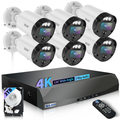
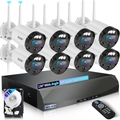
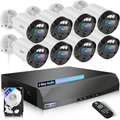
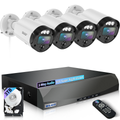
Zosi vs. WEILAILIFE: Which Home Security Camera System Actually Delivers?
Let's be real — buying a home security camera system on a budget feels like a gamble. You scroll through Amazon, read the 4.5-star reviews, click "Buy Now," and hope for the best.
Zosi is one of those brands that looks great on paper. Affordable. Feature-packed. Decent ratings. But after weeks of real-world use, a lot of owners find themselves asking one question: Why is this so complicated?
That's where WEILAILIFE comes in — and once you compare them side by side, the choice becomes painfully clear.
The Zosi Reality Check
I'm not here to trash Zosi. For under $200, you get cameras, a recorder, and cables. That's technically a working system.
But "working" and "working well" are two very different things.
Installation is the first speed bump. The manuals are vague. The mounting templates don't always line up. And if you're setting up a wired system, good luck figuring out which cable goes where without watching three different YouTube videos from random users.
Then comes the app. This is where Zosi really drops the ball. Motion alerts arrive late — sometimes minutes after someone actually walked through your yard. Playback stutters even when your Wi-Fi is fine. And the interface? It feels like it was designed in 2015 and never updated.
And let's talk about night vision. Zosi's infrared works okay up close, but beyond 50 feet, faces turn into blurry silhouettes. If you're trying to identify someone at the end of your driveway, you're probably out of luck.
What WEILAILIFE Does Differently
WEILAILIFE isn't trying to be the cheapest kid on the block. They're trying to be the most reliable — and that's a trade-off most homeowners are happy to make.
1. Installation That Actually Makes Sense
WEILAILIFE kits come with clear, illustrated guides that walk you through every step. Mounting holes are pre-marked on the templates. Cables are labeled. The PoE (Power over Ethernet) design means one cable does it all — power and data — so you're not running separate wires for electricity and video.
For wireless users, the setup is even smoother: plug in the camera, open the app, scan the QR code, and you're live in about 3 minutes. No router gymnastics. No IP address hunting.
2. Sharper Image, Wider View
Zosi typically gives you a 90°–100° field of view. WEILAILIFE steps that up to 130°, which means fewer cameras to cover the same area. Pair that with 5MP resolution (versus Zosi's standard 1080p), and you're getting noticeably crisper details — whether it's a license plate, a package delivery, or someone's face.
Night vision is where WEILAILIFE really pulls ahead. The infrared range hits about 90 feet with consistent clarity, and some models even offer full-color night vision when motion is detected. That's a game-changer for identifying intruders or wildlife after dark.
3. Signal Strength That Doesn't Quit
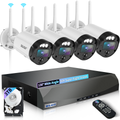
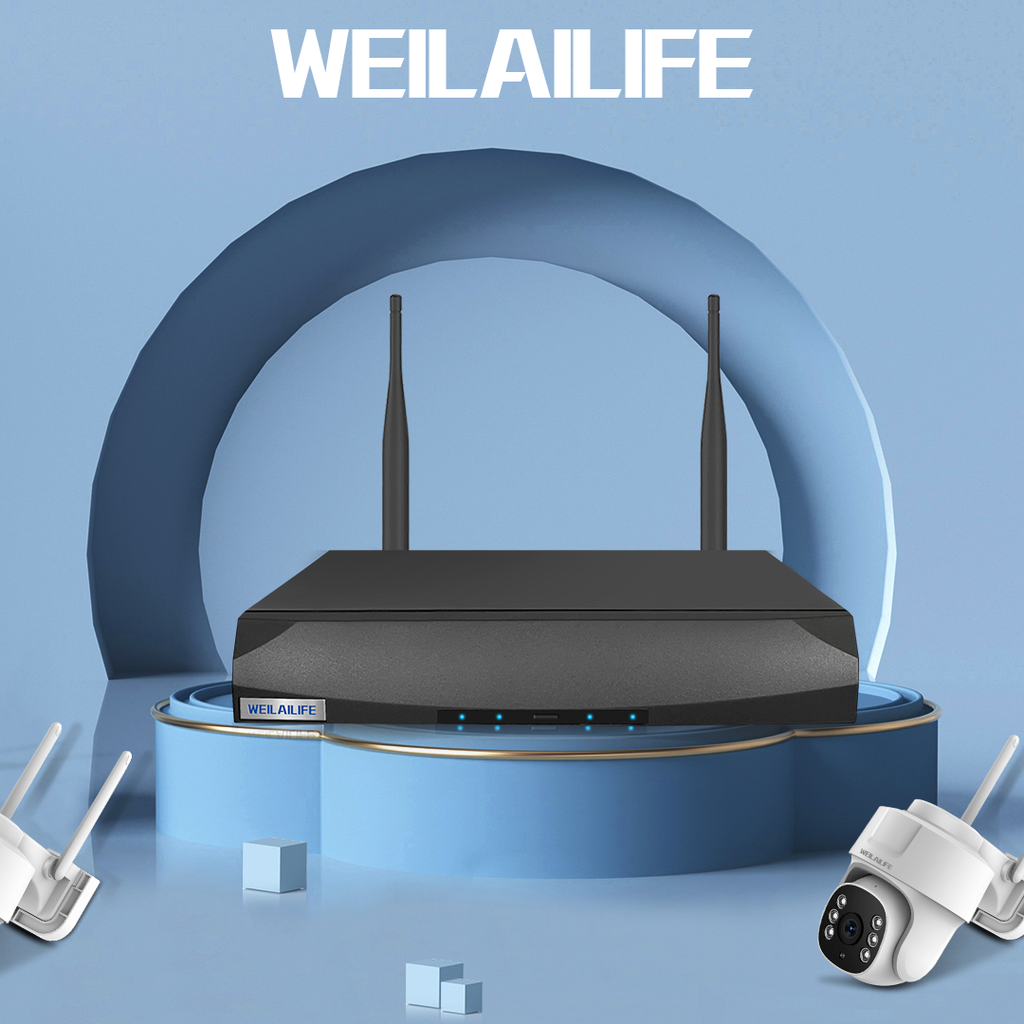
One of the biggest complaints about Zosi's wireless systems is dropped connections. WEILAILIFE solves this with dual external antennas on both the NVR and the cameras. In open areas, you can get a stable signal up to 150 feet away. Walls and interference will reduce that, but the connection is noticeably more resilient than what Zosi offers.
4. No Subscription Games
Both brands support local storage, so there's no mandatory cloud fee. But WEILAILIFE's NVR interface is more intuitive when it comes to managing recordings — you can filter by time, event type, or camera with just a few taps. And the automatic overwrite feature works seamlessly, so you never have to manually delete old files.
WEILAILIFE App Setup Guide (For Real, It's Easy)
If you're new to WEILAILIFE, here's a quick WEILAILIFE app setup guide that actually covers what you need to know:
-
Download the app – Available on both iOS and Android. Just search "WEILAILIFE."
-
Sign up – Create an account with your email address. No phone number required.
-
Add your device – Tap the "+" icon and choose between:
-
Auto-scan (if your phone is on the same Wi-Fi as the NVR)
-
QR code (scan the sticker on the camera or NVR)
-
Manual UID entry (for remote setups)
-
-
Name your cameras – Assign labels like "Front Door," "Backyard," or "Garage" so you know what you're looking at.
-
Adjust alert settings – Set motion sensitivity, detection zones, and notification preferences right from the app.
Total time: about 8 minutes, even if you're not particularly tech-savvy.
Quick Comparison Table
| Feature | Zosi | WEILAILIFE |
|---|---|---|
| Price | Lower upfront | Moderately higher |
| Setup clarity | Vague manuals | Step-by-step guides |
| App responsiveness | Laggy, delayed alerts | Fast, reliable notifications |
| Field of view | ~90–100° | 130° ultra-wide |
| Resolution | 1080p (2MP) | 5MP (sharper detail) |
| Night vision range | ~50 ft usable | ~90 ft clear |
| Wireless stability | Prone to drops | Dual-antenna design |
| Customer support | Offshore, scripted | More responsive |
| Monthly fees | None (local storage) | None (local storage) |
The Verdict
Here's the honest truth: Zosi is fine if you're on a strict budget and don't mind tinkering. But if you want a home security camera system that delivers consistent performance, crisp night footage, and an app that doesn't make you want to throw your phone across the room — WEILAILIFE is worth every extra dollar.
You're not just buying cameras. You're buying peace of mind. You're buying time saved during setup. You're buying confidence that when something happens, your system will actually capture it clearly and notify you instantly.
And if you ever get stuck, the WEILAILIFE app setup guide above will get you going in under 10 minutes. No frustration. No head-scratching. Just security that works.
Skip the headaches. Go with WEILAILIFE.