


What Smart Home Integration Actually Means for Your Security Camera System
Smart home integration has become a standard selling point for security cameras, but what it means in practice varies enormously between products. Sometimes it means genuine, seamless coordination between devices that makes your home meaningfully more responsive. Sometimes it means a technically accurate claim of "compatibility" that requires hours of setup for a result that doesn't work reliably. Understanding the difference before you buy matters.
What's Actually Possible
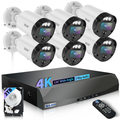
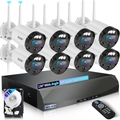
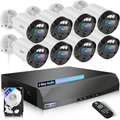
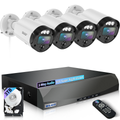
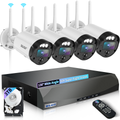
At the useful end of the spectrum, smart home integration enables scenarios like these: your WEILAILIFE outdoor camera detects motion on the driveway at 10 PM, and automatically triggers your porch lights to come on and your smart lock to verify it's locked. Or: you get a person-detection alert on your phone, pull up the camera feed, see an unrecognized vehicle, and arm your alarm system remotely — without getting up or making a single call.
These integrated responses are meaningfully more valuable than any individual device acting alone. The camera's detection triggers something actionable, and the overall system response is more than the sum of its parts. This is what "smart home integration" looks like when it's done well.
The Major Platforms: What to Know
Most smart home ecosystems — Amazon Alexa, Google Home, and Apple HomeKit — offer varying levels of security camera integration. Alexa and Google Home both support a wide range of cameras for voice-controlled viewing (asking a smart display to show a specific camera's feed), basic status checks, and limited automation triggers. HomeKit Secure Video, Apple's camera integration standard, is more privacy-focused and processes video on-device rather than in the cloud — but it requires compatible hardware and iCloud storage.
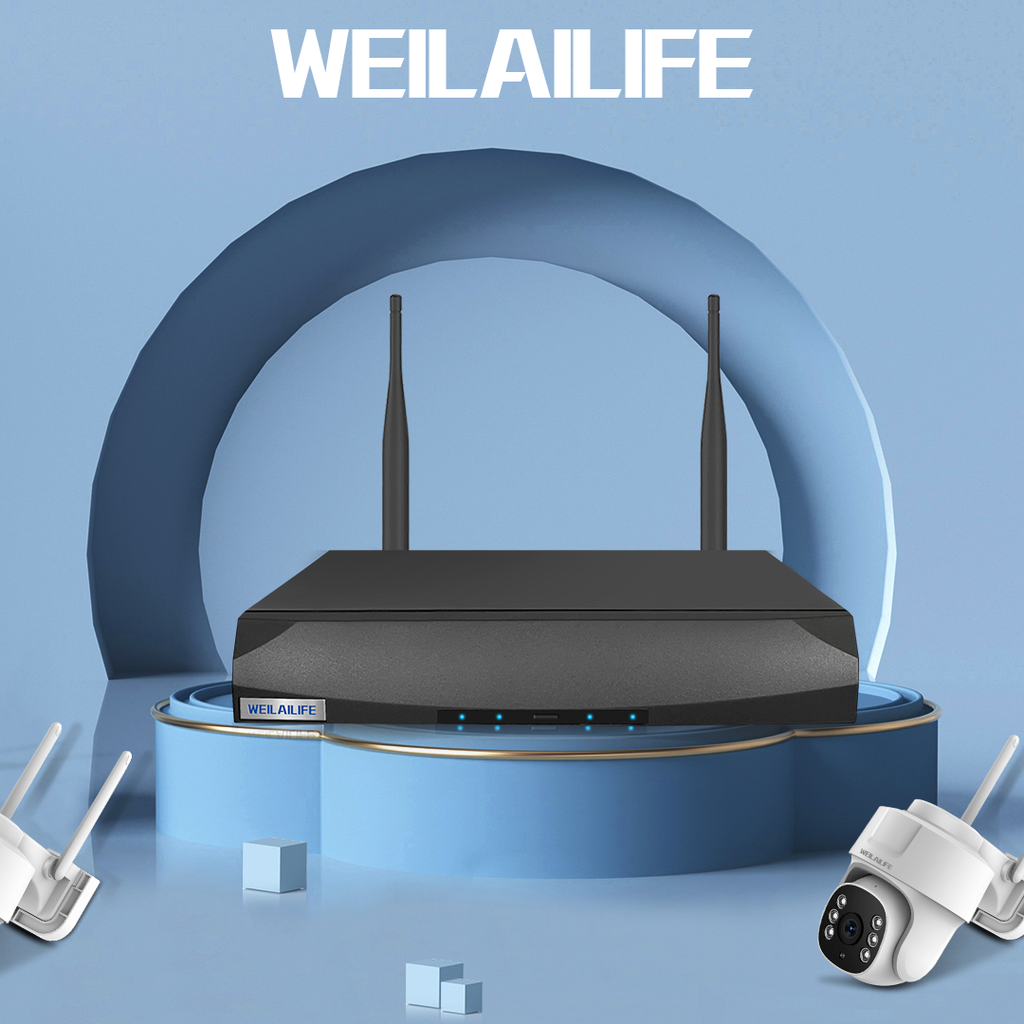
WEILAILIFE cameras support Alexa and Google Home integration for live feed viewing, which covers the most common smart home use cases for security cameras. Setup takes under five minutes for users already on those platforms — you enable the WEILAILIFE skill in the Alexa or Google Home app and authorize the connection, and your cameras appear as devices in your smart home ecosystem.
Automation and Routines
The more sophisticated integration layer involves using camera triggers in smart home automations — rules that say "when this happens, do that." Most platforms let you use camera events (motion detected, person detected) as automation triggers that can activate other devices.
A simple example: create a routine that activates your exterior lights whenever your WEILAILIFE camera detects a person after sunset. A more sophisticated version: create a "away" mode that activates all exterior cameras to maximum sensitivity, arms your alarm, locks your smart locks, and sends immediate phone alerts for any person detection — all triggered by a single tap or voice command when you leave the house.
When Integration Doesn't Work Right
Smart home automation is only as reliable as the weakest link in the chain. If camera-triggered automations fire with a 30-second delay, the practical value for real-time security response is limited. If integrations break when either platform updates its software (which happens regularly), you're debugging a system you were supposed to be able to rely on. If the integration requires a cloud relay that adds latency or creates a dependency on manufacturer servers, there are reliability implications for your security setup.
WEILAILIFE's approach is to make local-network functionality work independently of smart home integration — meaning your cameras record, store, and send alerts regardless of whether your Alexa or Google Home integration is functioning. The smart home layer adds convenience; it doesn't underpin the core security function. This is the right design priority for a security product.
A Practical Starting Point
If you're new to smart home security integration, start with the basics: get your cameras set up, recording well, and sending meaningful alerts before layering in integrations. Once the core system is working reliably, add one integration at a time and confirm each works before adding the next. Trying to configure everything simultaneously — cameras, smart locks, lights, alarm, voice assistants — is a reliable path to a setup that technically connects but doesn't work predictably.