


I Ran Three Different Camera Systems in My Convenience Store Over Three Years — This Is the One I Stuck With
I Ran Three Different Camera Systems in My Convenience Store Over Three Years — This Is the One I Stuck With
Honestly, when I first opened my store, I didn't give much thought to security cameras. I figured they were just cameras — as long as I could see people, that was good enough. Big mistake. The first two years were full of headaches: blurry night vision, apps that wouldn't connect, and worst of all, a monthly cloud storage fee that wasn't huge but just felt like a total waste.
Then I switched to WEILAILIFE, and things finally settled down. This isn't a sponsored post — it's just my real experience picking a system, getting it installed, and using it for over a year. If you're a small business owner looking for a surveillance setup, hopefully this helps you avoid some of the same mistakes I made.
Those Monthly Fees Add Up to Real Money
Here's the first trap I fell into. My first system was a bundle from a big-box store — looked like a great deal upfront. But after installation, I realized you couldn't even replay footage without buying a cloud subscription. Twelve bucks a month, which doesn't sound bad, until you realize I had six cameras in my store. That's hundreds of dollars a year.
And the kicker? When I wanted to add two more cameras in year two, the subscription fee went up too. I did the math — what I paid over three years could have bought me a whole new, much better system.
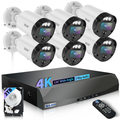
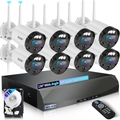
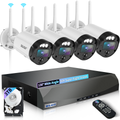
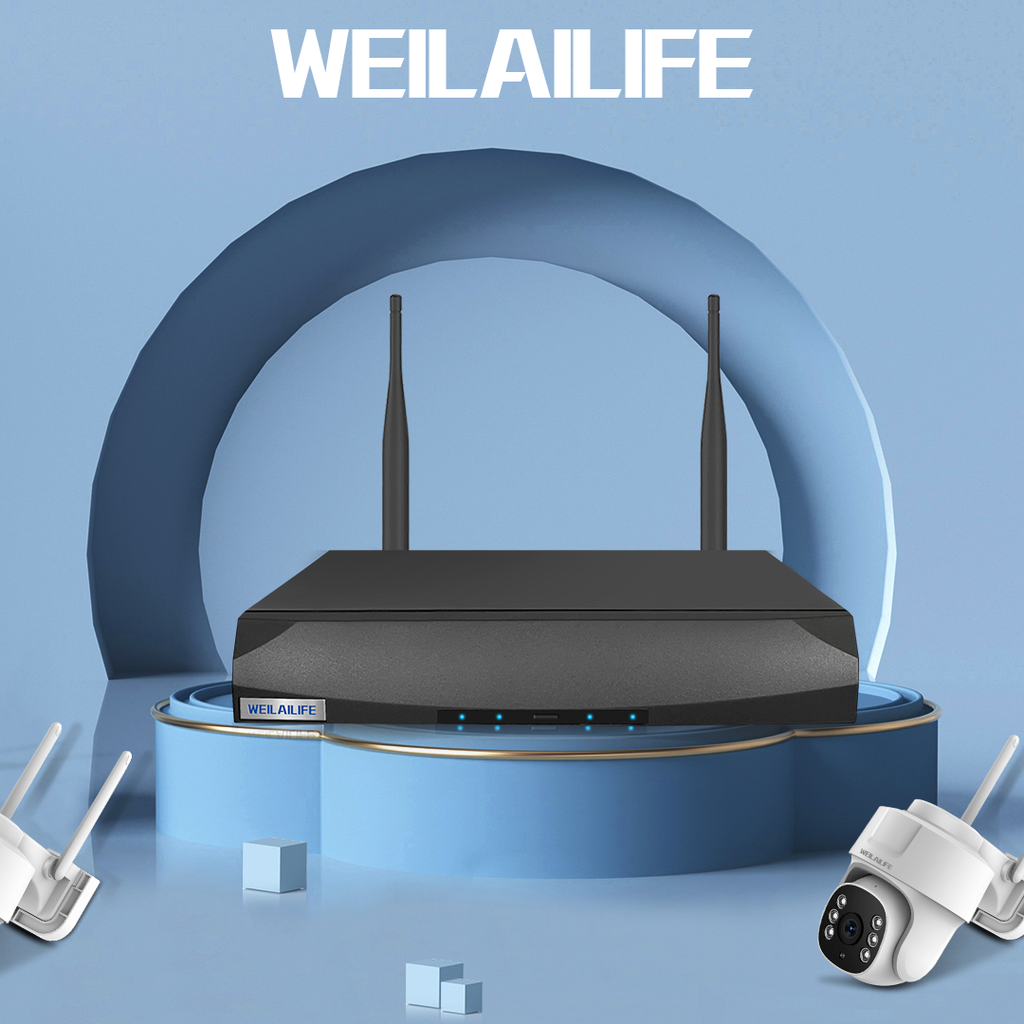
So when I switched to WEILAILIFE, the biggest selling point for me was wireless NVR no monthly fee. The footage stores locally on the NVR unit — 2TB hard drive, loop recording, watch as much as you want, no extra charges. And the playback speed is way faster than cloud storage. On the local network, it loads almost instantly — no waiting around for cloud servers to buffer.
From "Review After the Fact" to "Stop It Before It Starts"
I used to think security cameras existed for one reason only — checking footage after something happened. But over time I realized that the real value is making people think twice before doing anything stupid.
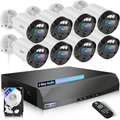
My store is on a corner, with a small parking lot out front. We used to get people loitering around late at night all the time. WEILAILIFE has this model with red-and-blue strobe lights — whenever it detects a person approaching, the lights flash for a few seconds. Honestly, since I installed that thing, the late-night trash rummaging and car break-ins have pretty much stopped. You can see those flashing lights from down the block — normal people just take a different route.
The AI person detection is also way more reliable than my old system. That one would trigger alerts for any movement — leaves blowing, cats running by, headlights sweeping across — my phone would buzz all night long. Now with WEILAILIFE, it only flags people and vehicles. Fewer false alarms, better sleep.
PoE Was Easier Than I Expected
For my third system, I specifically went with a PoE security camera system. My previous one was Wi-Fi-based, and with the refrigerators and microwaves running in the store, the signal was constantly dropping. Playback would stutter and buffer all the time.
The beauty of PoE is that a single Ethernet cable carries both power and data. Yes, you do need someone to run the cables, but once that's done, it's done. I installed two dome cameras indoors, one bullet camera at the entrance, and one PTZ camera in the backyard warehouse — all connected via Ethernet to the NVR. Rock-solid stable, never drops, and night vision is great — the infrared picks up license plates clearly.
If you're like me and not super tech-savvy with networking stuff, I'd recommend buying a complete PoE NVR kit. Cables, camera count, hard drive size — it's all pre-matched so you don't have to figure out each piece yourself.
Who Is WEILAILIFE Really For?
Based on my experience, WEILAILIFE is a great fit for the security camera for small business crowd — people like me running convenience stores, small restaurants, laundromats, barbershops, auto repair garages, or short-term rentals. Not a massive space, budget-conscious, don't want to pay monthly fees, but still want professional-grade image quality and reliability.
If you're running a large chain or need dozens of cameras with facial recognition and complex integrations, you might need to look at more enterprise-level solutions. But for one or two locations, with maybe a dozen cameras max, WEILAILIFE offers really solid value for the money without the complexity.
A Few Practical Tips From Someone Who Learned the Hard Way
Here are some things I wish I'd known before I started — lessons I paid for with my own time and money:
-
Pick the right lens for each spot — Indoors, 2.8mm gives you a nice wide view. For entrances and hallways, go with 4mm for a bit more reach. If you're covering a parking lot or yard, 6mm is better for actually making out faces and plates.
-
Don't guess on night vision range — WEILAILIFE's infrared can technically reach up to 90 feet, but in real-world conditions — especially if there's ambient light interference — the effective range is shorter. It's worth testing a demo unit in your actual space before going all in.
-
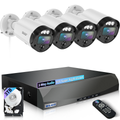
Don't cheap out on hard drive capacity — If you're recording from four cameras 24/7, 2TB will give you about 7 to 10 days of storage. Go with 4TB if you want a longer archive.
-
Change the default password on the app — A lot of people overlook this, but it really matters. If you're enabling remote access, change the login credentials and turn on two-factor authentication if available.
In the year-plus I've been using WEILAILIFE, the biggest thing I've noticed is just peace of mind. No more wondering when the monthly charge is going to hit, no more buffering, no more glitches. Footage is always there when I need it, and the hardware hasn't skipped a beat.
If you're looking for a small-business surveillance system without monthly fees, with solid image quality and an install that's not a nightmare — WEILAILIFE is worth a serious look.