


Security Cameras for Small Businesses: What You Need That's Different From a Home Setup
Small business owners who've researched home security camera systems sometimes assume the transition to a commercial setup is just a matter of more cameras and a bigger recorder. In some ways that's accurate, but small businesses have specific needs that differ from residential setups in meaningful ways — and choosing a system without accounting for those differences often leads to either overspending on enterprise-level features you don't need or under-purchasing a residential system that can't handle the operating environment.
Coverage Areas Are Different
A residence has specific entry points, predictable traffic patterns, and relatively limited coverage area. Small businesses typically have higher ceilings that require different camera mounting angles, multiple access points including employee and customer entrances, larger interior spaces with more complex coverage geometry, and in many cases loading areas, parking lots, or outdoor inventory that extends coverage requirements beyond what a four-camera residential kit addresses.
Start your planning with a coverage map. Walk the space and identify every zone that needs monitoring: customer-facing areas, cash handling locations, inventory storage, exterior entrances and exits, parking, and any areas with particular theft exposure. This map will tell you how many cameras you actually need — which for most small businesses is between six and sixteen — and what field of view is required at each location.
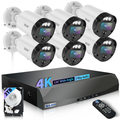
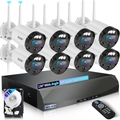
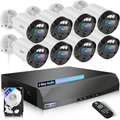
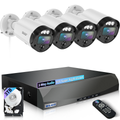
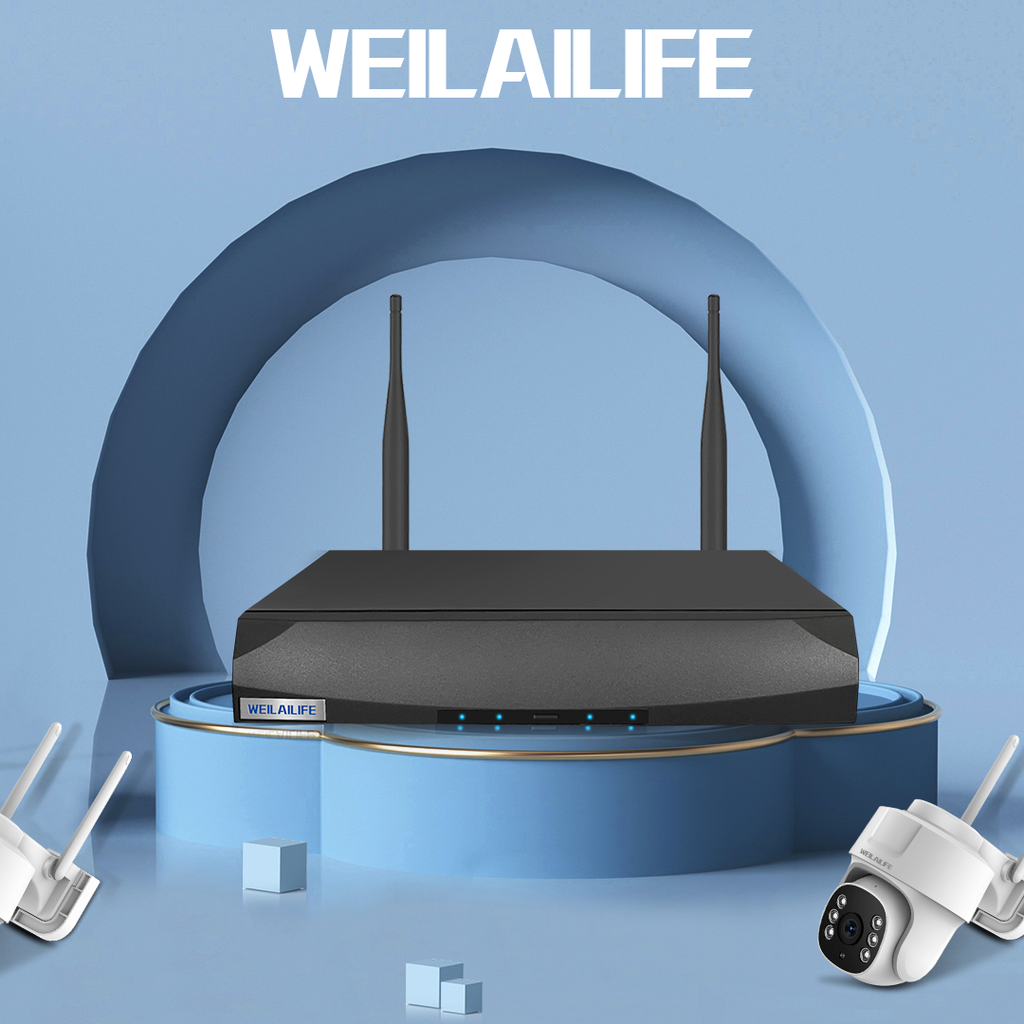
WEILAILIFE offers scalable NVR systems that support 8, 16, and 32 camera inputs, making it straightforward to right-size a system to a small business's actual coverage needs without paying for enterprise infrastructure or forcing yourself into a residential platform that tops out at eight cameras.
Continuous Recording Matters More
In a residence, motion-triggered recording supplemented by continuous low-quality backup is often adequate. In a business, you need reliable continuous recording of your entire operating footprint during business hours — and ideally overnight as well. Employee theft, customer disputes, liability incidents, and break-ins are all situations where you want a continuous record, not just motion-triggered clips with gaps between them.
Make sure your WEILAILIFE NVR and hard drive storage is sized for continuous recording across all camera feeds for your operating hours, plus a meaningful retention window. For most small businesses, 30 days of retention is a practical minimum — enough to catch issues that surface days or weeks after they occur. Calculate your storage requirement: number of cameras × bitrate per camera × hours per day × 30 days, then add 25% headroom.
Employee Access and Privacy Considerations
Security cameras in workplaces introduce legal and ethical dimensions that don't apply in residential settings. Federal law permits video surveillance of employees in most work areas, but prohibits cameras in private spaces like bathrooms and changing rooms. Many states have additional requirements, including advance notice to employees that surveillance is in use.
Beyond the legal minimum, best practice for small businesses is to establish a written camera policy: where cameras are located, what they record, who has access to footage, how long footage is retained, and under what circumstances it's reviewed. This transparency reduces employee discomfort with surveillance and, in some states, is legally required.
WEILAILIFE NVR systems support multiple access levels — you can give a manager or assistant manager review access to footage without giving them administrative control over the system, and you can restrict viewing to specific cameras based on role.
Power and Infrastructure
Commercial spaces often provide more infrastructure flexibility than residences — ceiling cable trays, existing conduit runs, reliable power at more locations — which actually makes wired surveillance camera system installation in a commercial space more straightforward than in a home in some ways. PoE cameras and a central NVR are the right architecture for most small business setups: reliable, high-quality video, no battery management, and a single point of system management.
Make sure your NVR is in a secured location — a locked back office or server closet — with access limited to authorized personnel. A small business NVR sitting on an open shelf is a theft target, and losing the recording hardware in a break-in defeats the purpose of having a surveillance system.
Getting Professional Help vs. DIY
Many small business owners successfully install WEILAILIFE systems themselves, particularly for straightforward retail or office environments. For larger spaces, complex ceiling configurations, or buildings with multiple units, a professional installer familiar with commercial-scale wiring can save significant time and produce a cleaner, more reliable installation. The hardware cost is the same either way; the decision is whether your time and the DIY risk of a more complex installation is worth the installation labor savings.