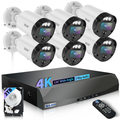
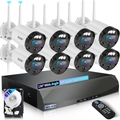
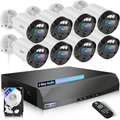
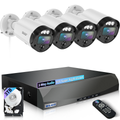
If you've been shopping around for a home security camera system, chances are you've come across Zosi. It's cheap, it's everywhere on Amazon, and the spec sheet looks solid for the price.
But here's the thing — once you actually live with it, the cracks start to show. Slow apps, buggy updates, and support that just doesn't get it. That's where WEILAILIFE comes in. It's not the cheapest option out there, but for anyone who values their time and sanity, it's a far better investment.
What's Actually Wrong with Zosi?
Let's give credit where it's due — Zosi is affordable, and they pack a lot of features into their kits. But real-world users (not just the filtered reviews) keep running into the same three headaches:
1. The app is a constant frustration.
Users report painfully slow playback even on fast Wi-Fi, app updates that break existing camera functions, and motion alerts that either fire off nonstop or go silent for no reason. And when users suggest simple improvements — like a one-tap siren button — Zosi's team says "great idea, we'll consider it," but nothing ever changes.
2. Hardware that acts up over time.
Some systems randomly reboot during playback. Others lose their time settings for no apparent reason. A few users even noticed color shifts after just a few weeks of use. Daytime video looks fine, but at night? Fast-moving subjects often turn into blurry smudges.
3. Support that doesn't really help.
When you do reach out, you're often met with broken English and scripted responses. It's clear the support team isn't local, and they rarely solve the root problem.
Bottom line: Zosi works okay out of the box, but it's the kind of system that slowly drives you nuts over time.
Why WEILAILIFE Is a Breath of Fresh Air
WEILAILIFE takes a different approach. They're not trying to win on price alone — they're trying to win on reliability, ease of use, and actually delivering what they promise.
1. Truly Plug-and-Play — No Tech Degree Required
Setting up a WEILAILIFE system is straightforward. For the wired PoE kit: mount the cameras, plug in the Ethernet cables (which carry both power and data), open the app, and the system auto-detects everything. Done.
For the wireless version, it's just as simple: download the app, connect to your Wi-Fi, scan the QR code on the camera, and you're live. No cryptic instructions, no network headaches, no fighting with the app to recognize your devices.
2. Better Hardware, Better Peace of Mind
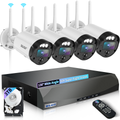
WEILAILIFE cameras come with a 130° ultra-wide lens, so you cover more ground with fewer blind spots. The 5MP resolution is a noticeable step up from standard 1080p — clearer details, sharper images. Night vision reaches about 90 feet, and the infrared works reliably in total darkness.
And with wired PoE systems, power and data run through the same cable — no dropped Wi-Fi signals, no "buffering… buffering…" when you're trying to check playback.
3. Dual Antennas for Rock-Solid Signal
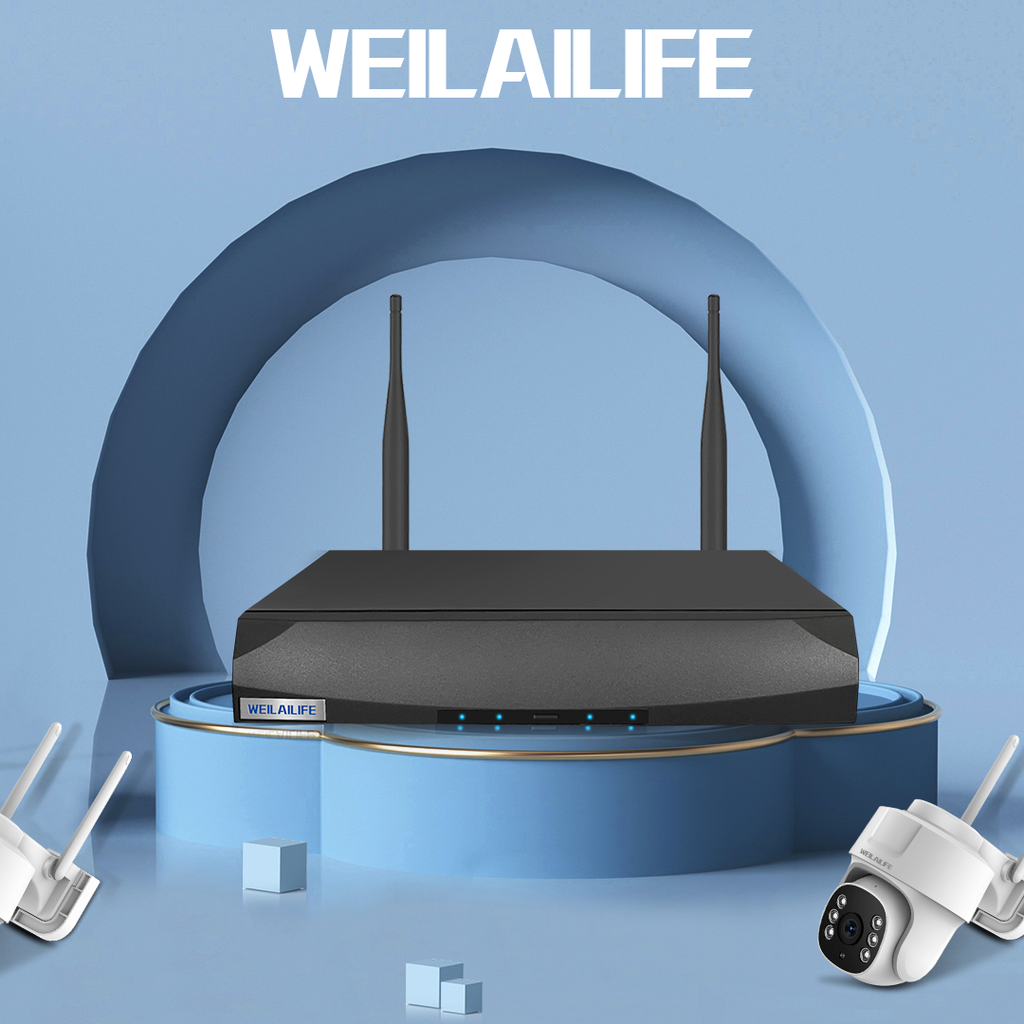
On WEILAILIFE's wireless setups, both the NVR and the cameras come with external antennas. In open areas, they can maintain a stable connection up to 150 feet. Sure, walls and interference will cut that down, but compared to Zosi's frequent Wi-Fi dropouts, the difference is night and day.
4. No Monthly Fees — Your Data Stays Local
WEILAILIFE stores everything on a local hard drive inside the NVR. No cloud subscriptions, no recurring bills. You can choose between continuous recording, motion-triggered clips, or scheduled recording. When the drive fills up, it simply overwrites the oldest footage — automatically and seamlessly.
WEILAILIFE App Setup Guide
If you're leaning toward WEILAILIFE, here's a quick WEILAILIFE app setup guide to get you up and running in under 10 minutes:
-
Download the app – Search "WEILAILIFE" in the Apple App Store or Google Play Store.
-
Create your account – Open the app and sign up with your email.
-
Add your cameras –
-
Local network mode: Connect your phone to your home Wi-Fi, and the app will automatically find any powered-on cameras on the same network. Just tap to add.
-
Remote access mode: Scan the QR code on the camera body, or enter the device UID manually.
-
You're live – Once connected, you can view real-time feeds, receive motion alerts, and scroll through playback footage instantly.
That's it. No IT degree required, no wrestling with router settings.
Side-by-Side: Which One Should You Buy?
Conclusion
Look — if your budget is super tight and you're okay with occasional headaches, Zosi will technically work. But if you want a home security camera system that just works — day in, day out — without the app crashes, without the dropped connections, and without the support runaround, WEILAILIFE is the smarter buy.
You're not just paying for hardware. You're paying for reliability, for an app that actually responds when you need it, and for the peace of mind that comes with knowing your system won't let you down when it matters most.
And if you ever need help, just follow the WEILAILIFE app setup guide above — it's that simple.
Save yourself the frustration. Go with WEILAILIFE.