


DVR vs. NVR Security Systems: A Complete Guide to Choosing What's Right for You
If you've been shopping for a security camera setup, you've probably seen the terms DVR and NVR thrown around. They look similar, and both record video, but they're built around completely different technologies. Picking the wrong one can mean a lot of extra wiring, limited picture quality, or a system that's a pain to expand later.
This guide breaks down exactly how each system works, where they shine, where they fall short, and which one actually fits your situation. I'll also walk through two solid options from WEILAILIFE—one DVR, one NVR—so you can see how the specs translate into real-world use.
How They Work: The Core Difference
The simplest way to understand the difference is this: DVR works with analog cameras. NVR works with digital IP cameras. Everything else flows from that one fact.
DVR – Digital Video Recorder
A DVR connects to traditional analog cameras using coaxial cables—the same kind used for cable TV. The analog signal travels from the camera to the recorder, where it gets converted into a digital format, compressed, and saved to a hard drive. Think of it as a translator: the camera speaks one language, and the DVR converts it before writing it to storage.
What this means in practice:
-
Each camera needs its own dedicated coaxial cable running all the way back to the DVR, plus a separate power cable
-
The system runs on closed, physical wiring, so wireless interference is never an issue
-
It doesn't rely on your home Wi-Fi or network at all—it's a standalone box doing its own thing
NVR – Network Video Recorder
An NVR works with IP cameras—the kind that have built-in processors and connect over a network. These cameras handle the digitizing and compression themselves, right at the source, and send the finished video stream over a standard Ethernet cable. The NVR just receives, stores, and manages those streams. It's more like a central filing cabinet than a translator.
Here's where it gets convenient: many IP cameras support PoE (Power over Ethernet) , which means a single cable carries both data and electricity. No separate power adapters, no extra outlets. And since everything runs over IP, you can place cameras anywhere your network reaches—not just within cable length limits of the recorder.
Bottom line: DVR is a closed, cable-heavy system. NVR is an open, network-based system. That single architectural choice drives almost every other difference you'll notice.
Side-by-Side: Strengths and Weaknesses
DVR Systems
What works well:
| Area | Why it matters |
|---|---|
| Affordability | The tech has been around for decades, so hardware is cheaper—good if you're watching your budget |
| Rock-solid signal | Coaxial cables aren't affected by Wi-Fi dead zones, interference, or network congestion |
| Simple setup | Plug the cables in, power it on, and it records. No IP addresses, no router configuration |
Where they fall short:
| Area | What you're giving up |
|---|---|
| Image quality | Even high-end analog cameras can't match the detail of similarly priced IP cameras |
| Installation hassle | Running separate video and power cables to each camera adds time and labor, especially through walls or ceilings |
| Expansion limits | The channel count is fixed. If you buy an 8-channel unit and want to add a 9th camera, you're replacing the whole recorder |
Who it's for: Small retail shops, rental properties, or homeowners setting up 2–8 cameras in fixed spots. Best if you have short cable runs, a limited budget, and no plans to add more cameras down the road.
NVR Systems
What works well:
| Area | Why it matters |
|---|---|
| Sharp, detailed video | 4K resolution lets you read license plates and recognize faces from farther away |
| Cleaner installation | PoE cuts cable clutter to one Ethernet wire per camera—no electrician needed |
| Room to grow | Want another camera? Plug it into your network switch. No channel limits holding you back |
| Access from anywhere | Check your feed on your phone, tablet, or laptop whether you're at work or on vacation |
Where they fall short:
| Area | What you're giving up |
|---|---|
| Relies on your network | If your Wi-Fi or router is flaky, the system's performance will suffer |
| Higher upfront cost | IP cameras and NVRs cost more than their analog counterparts—you're paying for the upgrade in quality and flexibility |
Who it's for: Homeowners, offices, or retail spaces that care about image detail, want remote viewing, and might add cameras later. If you're running new cables anyway, the extra cost is usually worth it.
Two WEILAILIFE Systems Worth Looking At
WEILAILIFE has built a solid reputation for affordable, reliable security gear—currently sitting at 4.3 out of 5 stars from user reviews. Their systems are designed for DIY installation, walk you through setup with a mobile app, and store everything locally with no monthly fees.
Here's how their two main offerings stack up:
| Feature | WEILAILIFE 4MP 8-Channel DVR | WEILAILIFE 8MP 4-Channel NVR |
|---|---|---|
| Type | DVR – analog system | NVR – IP network system |
| Cameras | Analog, coaxial connection | IP cameras, Ethernet/PoE connection |
| Resolution | 4MP (1440p) – clearer than 1080p but not quite 4K | 8MP (4K Ultra HD) – you'll notice the extra detail |
| Channel capacity | 8 channels, fixed | 4 channels, expandable over the network |
| Standout features | No network dependency, plug-and-play | 4K video, PoE cabling, remote access, flexible expansion |
| Best for | Small stores, rental units, fixed camera setups | Homes, offices, places where image quality and remote access matter |
A Closer Look at Each
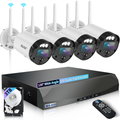
WEILAILIFE 4MP 8-Channel DVR System
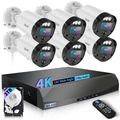
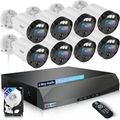
This one's for people who want something that just works without any tinkering. The 4MP resolution gives you noticeably better image quality than older 1080p systems—enough to see what's happening, identify people, and review incidents clearly. Eight channels cover most small shops or homes with multiple entry points. Since it runs on coaxial cables, you don't have to worry about your Wi-Fi going out or network settings getting messed up. Plug it in, aim the cameras, and you're done.
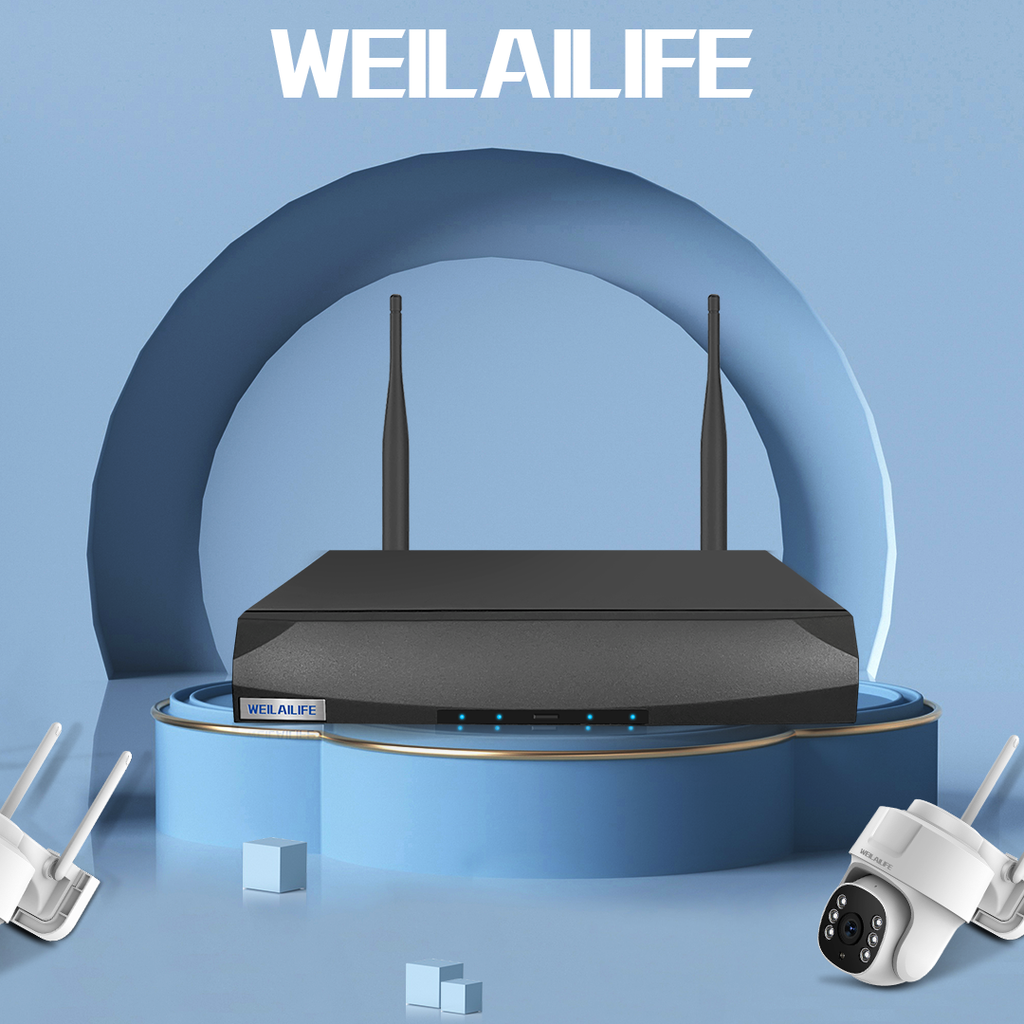
WEILAILIFE 8MP 4-Channel NVR System
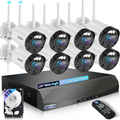
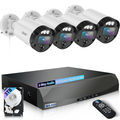
If you want the best picture quality and the convenience of checking your cameras from your phone, this is the one. The 8MP 4K resolution captures fine details that analog systems just can't pull in—zooming in on a face or license plate actually works. PoE keeps installation clean, with just one cable running to each camera. And because it's IP-based, you can add more cameras later just by connecting them to your network, no need to replace the recorder.
How to Decide: A Simple Decision Guide
Still not sure which way to go? Run through this quick checklist:
| Your situation | Better choice |
|---|---|
| Tight budget, just need basic coverage | DVR |
| Already have coaxial cables in the walls | DVR (reuse what's there) |
| You know exactly how many cameras you need and won't add more | DVR |
| You want to be able to check cameras from your phone | NVR |
| You're running new cables anyway | NVR (future-proof) |
| You might add cameras over time | NVR |
| Image detail matters (faces, plates, zooming in) | NVR |
| Your Wi-Fi is unreliable and you don't want to upgrade it | DVR |
Final Take
There's no universal right answer here—it comes down to what you actually need.
DVR is the workhorse. It's affordable, stable, and about as complicated as plugging in a toaster. If your camera positions are set, your budget is tight, and you don't care about watching footage from your phone, it'll do the job for years without any fuss.
NVR is the upgrade. Better image quality, easier wiring, and you can check in from anywhere. It costs more upfront, but if you're starting fresh or planning to grow your system, it's the smarter long-term play.
My rule of thumb: if you're replacing an old system and the coax cables are already there, save your money and go DVR. If you're setting up a new system or redoing the wiring anyway, spend a little extra on NVR—you won't regret it when you zoom in on a detail you'd have missed otherwise.
Either way, WEILAILIFE offers good value in both categories. Now you've got the information to pick the one that actually fits your setup.