


Setting Up a Wireless Security Camera System? Here’s What You Need to Know
So you’ve decided to get a wireless security camera system for your home or small business. Smart move. But before you start unboxing cameras, there’s one question that trips up almost everyone:
Do you actually need an NVR? Or could you get by with something simpler?
Let’s break this down in plain English.
The Storage Question: SD Card vs. NVR
Most wireless cameras these days come with a microSD card slot. Pop in a card, and the camera records motion-triggered clips directly onto it. No monthly fees, no cloud subscriptions. For a single camera setup—say, watching the front door or keeping an eye on the garage—this works perfectly fine.
But here’s the catch: SD cards have limited capacity. A 256GB card might only hold a few days of footage before it starts overwriting old clips. And if something happens and you don’t check the recordings in time, that footage is gone.
If you’re running more than two cameras, or you want continuous 24/7 recording rather than just motion clips, you’ll want something more robust. That’s where an NVR comes in .
NVR vs. DVR: What’s the Difference?
If you’ve done any research on home security camera systems, you’ve probably seen both terms thrown around. Here’s the quick breakdown:
NVR (Network Video Recorder) works with IP cameras—the kind that process video on the camera itself and send it digitally to the recorder. These systems typically use Ethernet cables (or Wi-Fi) and offer higher resolution, often up to 4K. They also support smarter features like AI detection .
DVR (Digital Video Recorder) works with older analog cameras that send raw video over coaxial cables. The DVR does all the processing. DVR systems are generally cheaper, but image quality is lower, and you’re more limited on camera placement because of the cabling .
So when someone asks "do I need a DVR for security cameras?" —the real question is: are you using analog cameras or IP cameras? If you’re buying a modern wireless system, you’re almost certainly dealing with IP cameras, which means you need an NVR, not a DVR .
What About 4G Cameras?
For remote locations—farms, construction sites, vacation cabins—there might not be Wi-Fi at all. That’s when you need a security camera that works without wifi.
4G LTE cameras use a SIM card to connect to cellular networks. They send alerts and footage over mobile data, so you can check in from anywhere. Many of these cameras also run on battery or solar power, making them truly off-grid solutions .
These aren’t just for extreme cases, either. If your home Wi-Fi is unreliable or you’re setting up temporary surveillance, a 4G camera can be a lifesaver.
WEILAILIFE: A Practical Option Worth Considering
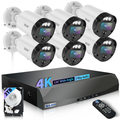
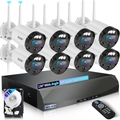
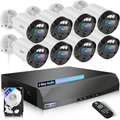
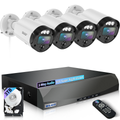
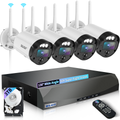
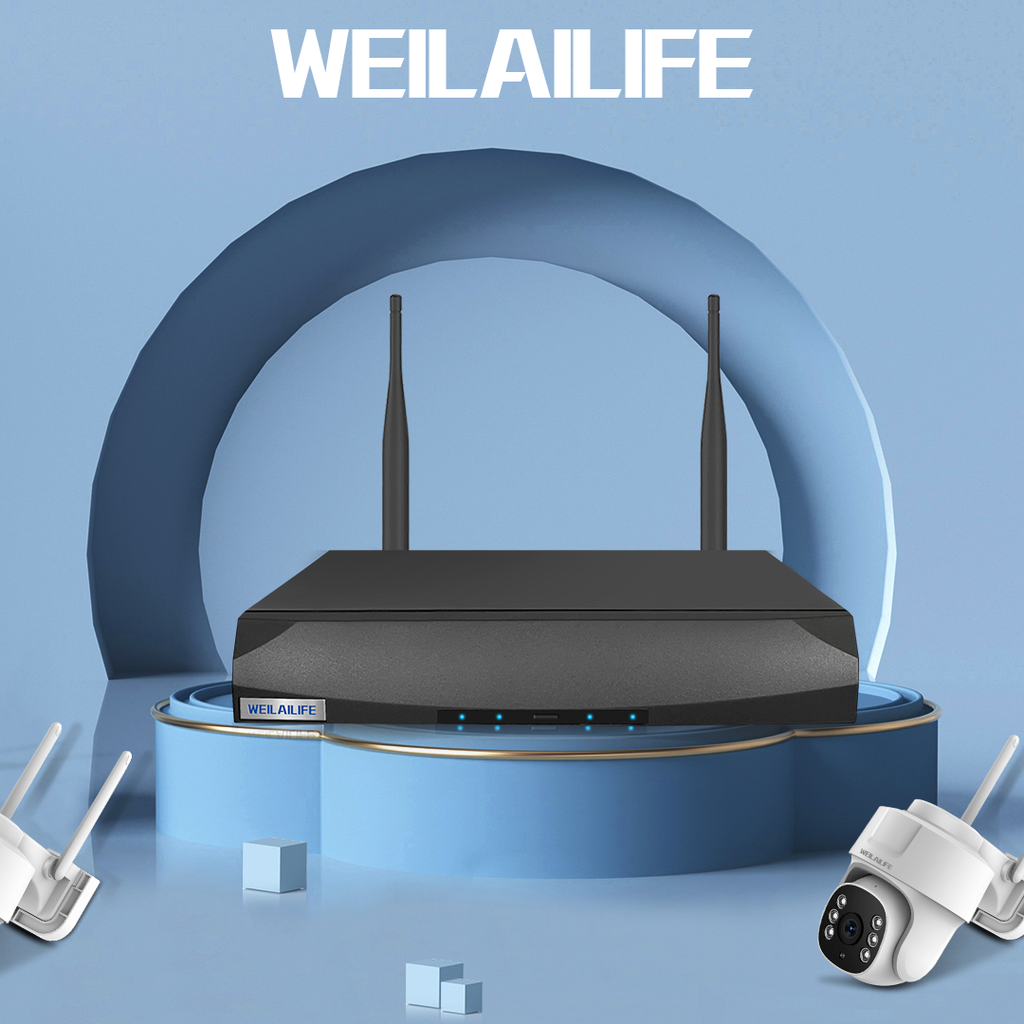
If you’re looking for a wireless security system that hits the sweet spot between affordability and performance, WEILAILIFE offers some solid options. Their systems typically feature 5MP resolution (that’s sharper than standard 1080p), 130° wide-angle lenses, and 90ft night vision. And with the free "HonestView" app, you can check footage remotely without any monthly fees .
Most WEILAILIFE systems are built around an NVR setup, meaning your footage is stored locally on a hard drive—not in someone else’s cloud. That gives you full control over your data and no subscription costs .
The Bottom Line
Choosing between SD card storage, an NVR, or a 4G camera really comes down to three things:
-
How many cameras do you have? (One or two? SD card is fine. More than that? Get an NVR.)
-
Do you need continuous recording? (If yes, you need an NVR with a hard drive.)
-
Is there reliable Wi-Fi on-site? (If not, look at 4G LTE cameras.)
The good news is you’ve got options—and none of them require locking yourself into expensive cloud subscriptions.