


Why Is Your Solar Panel Not Charging the Battery? Common Causes and Practical Fixes
Solar-powered security cameras are a convenient way to protect your property without relying on nearby power outlets. When everything works as expected, the solar panel keeps the battery topped up, allowing your camera to record around the clock. But if you notice your camera battery constantly running low or the solar panel doesn't seem to charge at all, it's time to investigate the problem.
In this guide, we'll explain the most common reasons why a solar panel stops charging a battery, how to troubleshoot the issue, and what you can do to prevent it from happening again. Whether you're using a standalone camera or a home security camera system, these tips can help restore reliable performance.
Why Is My Solar Panel Not Charging the Battery?
Several factors can interrupt the charging process. Fortunately, most of them are easy to identify and fix.
1. The Solar Panel Is Dirty or Blocked
Solar panels require direct sunlight to produce electricity. Even a thin layer of dust, pollen, leaves, or bird droppings can reduce charging efficiency significantly.
If your security camera is installed under trees or near a busy road, dirt can accumulate faster than expected.
What to do:
- Wipe the panel gently with a soft cloth and clean water.
- Remove any branches or objects casting shadows.
- Check the panel every few weeks, especially after storms or windy weather.
2. Insufficient Sunlight
Solar panels generate less power during cloudy days, winter months, or when installed in shaded locations.
If your camera only receives a few hours of direct sunlight each day, the battery may discharge faster than it recharges.
Solutions include:
- Reposition the panel toward a sunnier location.
- Adjust the mounting angle for maximum sun exposure.
- Consider seasonal adjustments if your installation allows.
3. Battery Health Has Declined
Rechargeable batteries naturally lose capacity over time. An aging battery may still charge, but it won't hold power for very long.
Common signs include:
- Battery percentage drops quickly overnight.
- Camera shuts down even after a sunny day.
- Charging cycles become noticeably longer.
If the battery has reached the end of its lifespan, replacing it is usually the best solution.
4. Loose or Damaged Cables
The connection between the solar panel and camera should remain secure at all times. Loose plugs, damaged cables, or corrosion can interrupt charging completely.
Inspect for:
- Frayed wires
- Bent connectors
- Moisture inside cable ports
- Loose plugs after strong winds
Replacing a damaged cable is often a quick and inexpensive fix.
5. Charging Circuit or Controller Problems
Many solar-powered cameras include built-in charging management circuitry that regulates incoming power and protects the battery.
If this system develops a fault, the battery may stop charging even when the panel is generating electricity.
Try these steps:
- Restart the camera.
- Update the camera firmware if available.
- Disconnect and reconnect the solar panel.
- Contact customer support if the problem persists.
6. Extremely High or Low Temperatures
Temperature affects both solar panel efficiency and battery performance.
In very cold weather:
- Batteries charge more slowly.
- Capacity temporarily decreases.
In extremely hot weather:
- Charging may pause to protect the battery.
- Long-term heat exposure can shorten battery lifespan.
Whenever possible, install your camera where it receives sunlight but avoids excessive heat buildup during the afternoon.
How to Fix a Solar Panel That Isn't Charging
If you're unsure where the problem lies, work through these troubleshooting steps one by one.
Clean the Solar Panel
Start with the simplest solution. Remove dirt and debris from the panel surface to restore maximum sunlight absorption.
Verify Sunlight Exposure
Observe how much direct sunlight the panel receives throughout the day. Ideally, it should receive at least 5–6 hours of unobstructed sunlight.
Check Battery Status
Use your camera's mobile app to review battery health and charging history. If charging repeatedly stops at a very low percentage, the battery may need replacement.
Inspect All Connections
Ensure every cable is firmly connected and shows no signs of wear or water damage.
Restart the Camera
A reboot can clear temporary software glitches affecting battery charging.
Update Firmware
Manufacturers occasionally release firmware updates that improve charging algorithms and overall system stability.
Preventive Maintenance Tips
A little routine maintenance goes a long way toward keeping your solar-powered security cameras operating reliably.
Here are a few best practices:
- Clean the solar panel every month.
- Trim nearby branches that create new shadows.
- Inspect cables after severe weather.
- Keep camera firmware updated.
- Check battery health several times each year.
- Install the panel where it receives consistent sunlight throughout the seasons.
Regular maintenance not only improves charging performance but also extends the lifespan of your entire home security camera system.
Why Solar Power Pairs Well with Wireless Security Systems
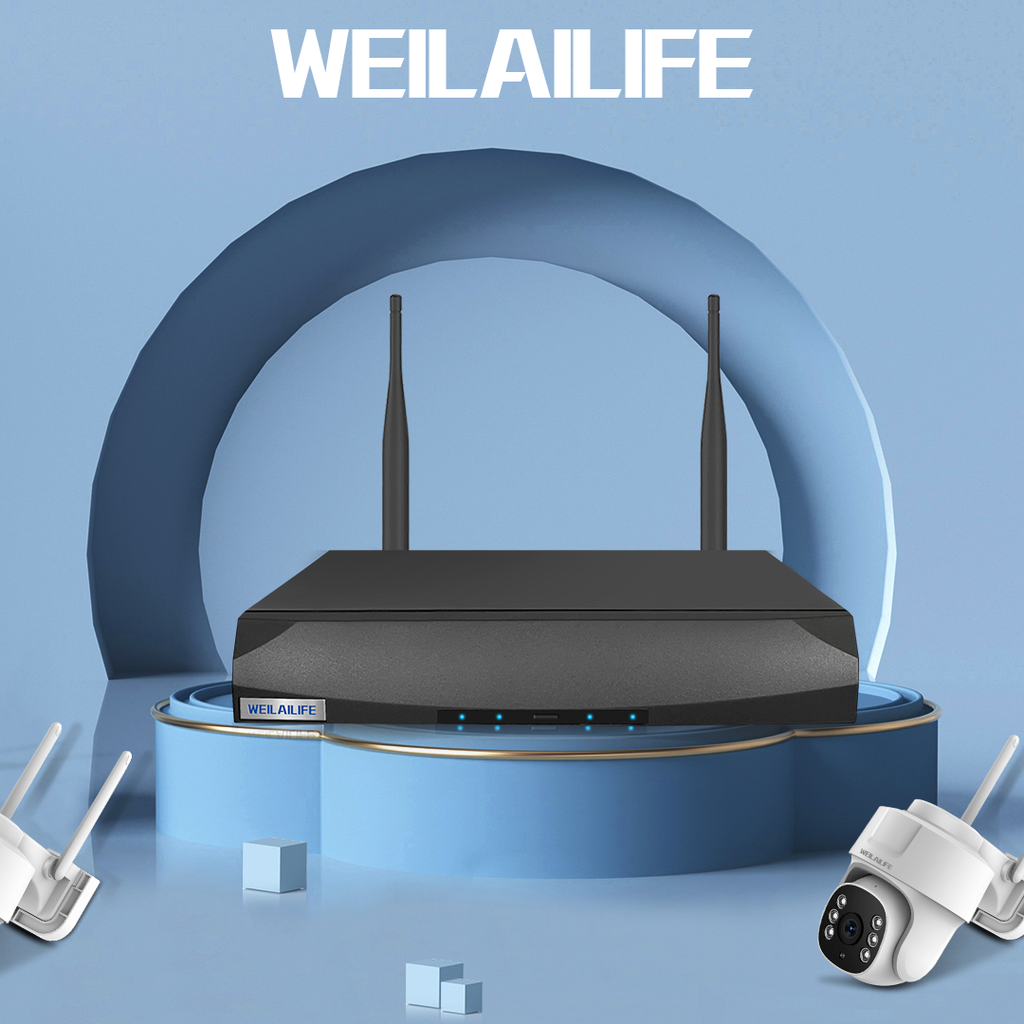
One of the biggest advantages of solar-powered cameras is energy independence. When combined with a wireless NVR no monthly fee solution, homeowners can build a surveillance system that minimizes ongoing costs while maintaining continuous protection.
Instead of paying recurring cloud storage subscriptions, a local wireless NVR stores recordings directly on-site. Paired with solar-powered cameras, this setup reduces wiring complexity, lowers maintenance requirements, and continues protecting your property even in areas without convenient electrical outlets.
For homeowners looking to expand outdoor surveillance, this combination offers a practical balance of flexibility, reliability, and long-term value.
Frequently Asked Questions
Why isn't my solar panel charging even in direct sunlight?
Possible causes include a dirty panel, faulty wiring, battery degradation, charging circuit issues, or insufficient sunlight caused by seasonal conditions. Checking each component individually is the fastest way to locate the problem.
How can I tell if my solar panel is working?
Measure the panel's voltage with a multimeter during bright sunlight or check your camera app for charging status. If no charging activity appears despite good sunlight, further inspection is needed.
How long do solar-powered camera batteries last?
Most rechargeable batteries last between 3 and 5 years, depending on usage patterns, charging frequency, climate, and battery quality.
Can cloudy weather stop solar charging?
Yes. Solar panels still generate electricity on cloudy days, but output is much lower. Several consecutive overcast days may prevent the battery from fully recharging.
Should I replace the battery or the solar panel first?
Start by checking sunlight exposure, cleaning the panel, and inspecting the wiring. If the panel produces power but the battery still won't hold a charge, replacing the battery is usually the more effective solution.
Final Thoughts
A solar panel that isn't charging the battery doesn't always indicate a major hardware failure. In many cases, simple issues like dirt buildup, poor sunlight exposure, loose connections, or an aging battery are responsible.
Routine inspections and regular maintenance can prevent most charging problems before they affect your security coverage. For homeowners using a home security camera system, combining solar-powered cameras with a wireless NVR no monthly fee setup offers dependable protection while keeping operating costs low. By addressing charging issues early and maintaining your equipment, you can keep your cameras powered and your property protected throughout the year.