


Wired vs. Wireless Security Cameras: What Actually Works Best for Your Home?
You're standing in the aisle of a hardware store, staring at two boxes. One says "wireless." The other says "wired." Both promise to keep your home safe. So which one do you actually need?
Here's the truth: wireless sounds convenient. Wired sounds like a headache. But the reality is a lot more interesting—and the choice matters more than most people realize.
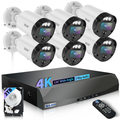
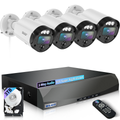
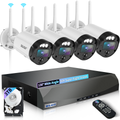
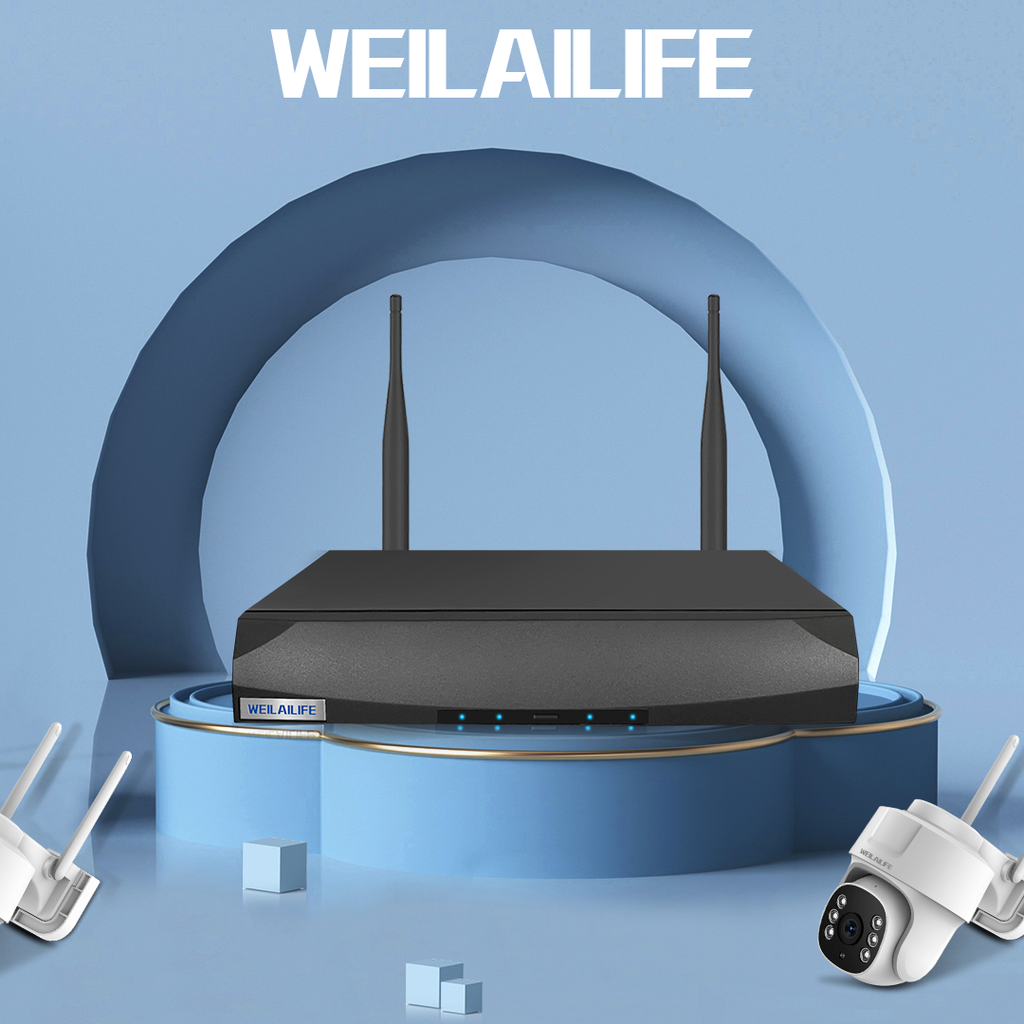
Let's break down what actually works, what doesn't, and why the WEILAILIFE 8MP 4Cam system might be the smartest middle ground you haven't considered yet.
The Wireless Promise (and the Catch)
Wireless cameras are everywhere. Stick one on a shelf, connect it to Wi-Fi, and you're live. No drilling, no cables, no fuss.
Sounds great, right?
Until your Wi-Fi drops out at 2 AM and the camera goes offline. Until you realize you're paying $10 a month per camera just to store footage in the cloud. Until the battery dies and you have to climb a ladder to recharge it—in the rain.
The math doesn't lie. Most wireless setups cost you hundreds of dollars in subscription fees over a few years. And that's assuming your internet connection never blinks.
The Wired Reality (Less Painful Than You Think)
People hear "wired security camera" and imagine running cables through walls, hiring an electrician, and dealing with a tangled mess.
Here's what they don't tell you: modern wired systems like the WEILAILIFE 8MP 4Cam use Power over Ethernet (PoE) technology. One single cable carries both power and video. That's it. No separate power adapters. No climbing ladders to swap batteries. Just a clean, simple connection that works 24/7, rain or shine.
And the video quality? Night and day. Wireless cameras compress footage to save bandwidth, which means you lose detail exactly when you need it most. A wired home security camera system gives you full-resolution recording straight to a local hard drive. No compression. No missing frames.
The Real Cost of "Free" Wireless
Here's what gets most homeowners: the monthly bill.
That $50 wireless camera looks like a bargain until you realize it costs **$5 to $20 per month** for cloud storage. Over five years, you've paid more in fees than the camera itself cost.
The WEILAILIFE 8MP 4Cam system stores everything locally on a pre-installed hard drive. You pay once. It keeps recording. No monthly fees. No surprise price hikes. That's what we mean by a home security camera system no subscription—and it adds up to serious savings over time.
What About Installation?
Let's be honest: nobody wants to spend a weekend wrestling with cables. But here's the thing—PoE systems are genuinely plug-and-play.
Connect each camera to the NVR with an Ethernet cable. Power on the system. Download the HonestView app on your phone, tablet, or PC. You're live in about twenty minutes.
Need to put a camera farther away from the recorder? The WEILAILIFE system supports dual power mode—use the power connector for local power and extend your reach beyond 200 meters (about 660 feet). That's over three times the standard PoE distance. Most homes won't even come close to that limit.
Why 4K Matters More Than You Think
Here's something nobody tells you: most "HD" cameras aren't actually sharp enough to identify a face from across the room. You get a shape, maybe a jacket color. That's it.
The WEILAILIFE 8MP 4Cam system delivers true 4K resolution—8 megapixels of detail. You can zoom in on a face, read a package label, or see exactly what someone's carrying. That's the difference between "someone was here" and "here's who was here."
The 130° ultra-wide lens means one camera covers what two or three cheaper cameras would miss. And the built-in two-way audio lets you talk to delivery drivers, warn off unwanted visitors, or just check in with family members while you're away.
Where Should You Actually Put Your Cameras?
Placement still matters, even with a wired system. Here's the quick guide:
-
Front door: Camera at 7–8 feet high, angled down. Capture faces clearly.
-
Living room or main hallway: Position cameras to look across the room, not straight at a door. Motion detection works better that way.
-
Rooms with ground-floor windows: Common secondary entry points that people forget about.
Avoid pointing cameras directly at windows (glare kills your footage), bathrooms and bedrooms (privacy first), or anything that moves constantly like ceiling fans (hello, false alerts).
The Bottom Line
Wireless cameras aren't bad. They're just expensive in the long run and less reliable when you need them most. A proper wired system gives you consistent recording, no subscription fees, and video quality that actually shows you what happened.
The WEILAILIFE 8MP 4Cam system combines professional-grade 4K video, wide-angle coverage, two-way audio, and local storage with no monthly fees—all in a package you can install yourself without an electrician.
Stop paying for cloud storage. Stop hoping your Wi-Fi holds up. Start seeing your home clearly, all day, every day.
If you're wondering how to set up wireless security camera system—honestly, skip the wireless headache and go with a wired solution that just works. Your peace of mind is worth it.